
Access to Graphql from Browser Playground
Open the GraphQL playground in your browser:
https://<your-finmars-domain>/:realm_code:/space_code:/graphql/E.g. https://eu-central.finmars.com/realm0v4ry/space063sw/graphql/ (Link is not lead to anything, just an example)
You will see:
- Query editor
- Schema explorer
- Result panel
You must be authenticated.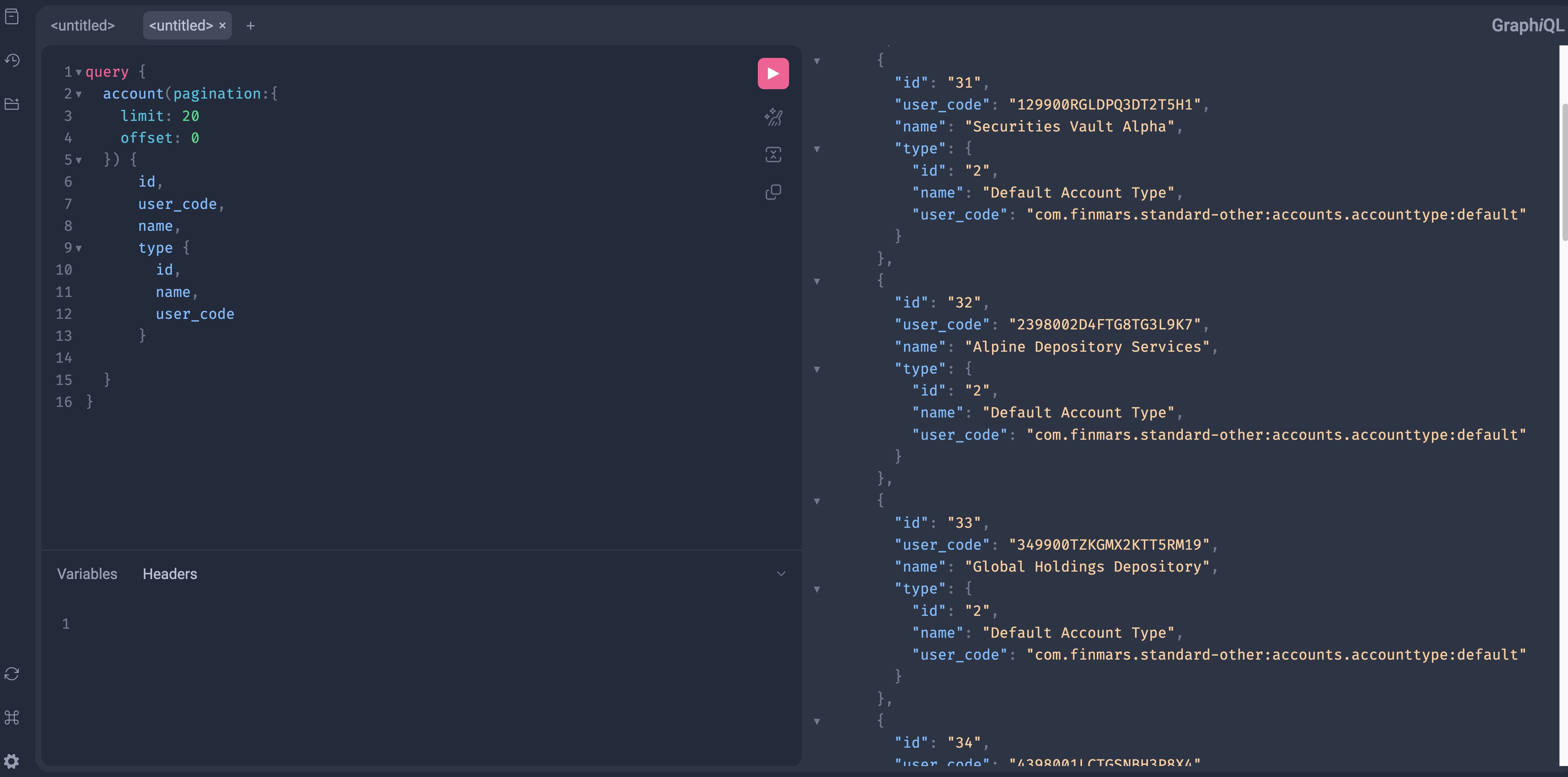
You can access Documentation
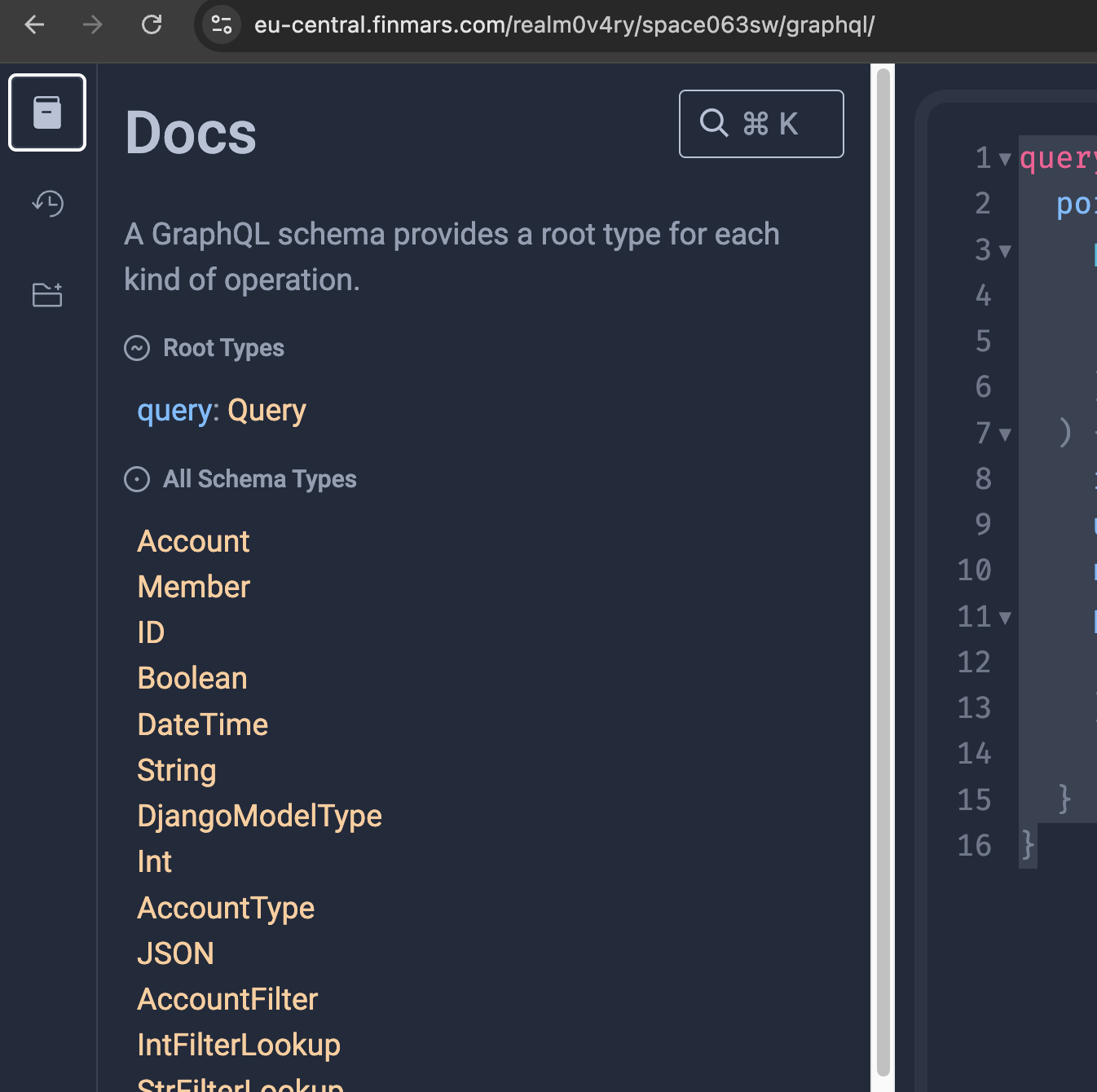
Now you can navigate on Schema
To see what operation you could call, click on "Query"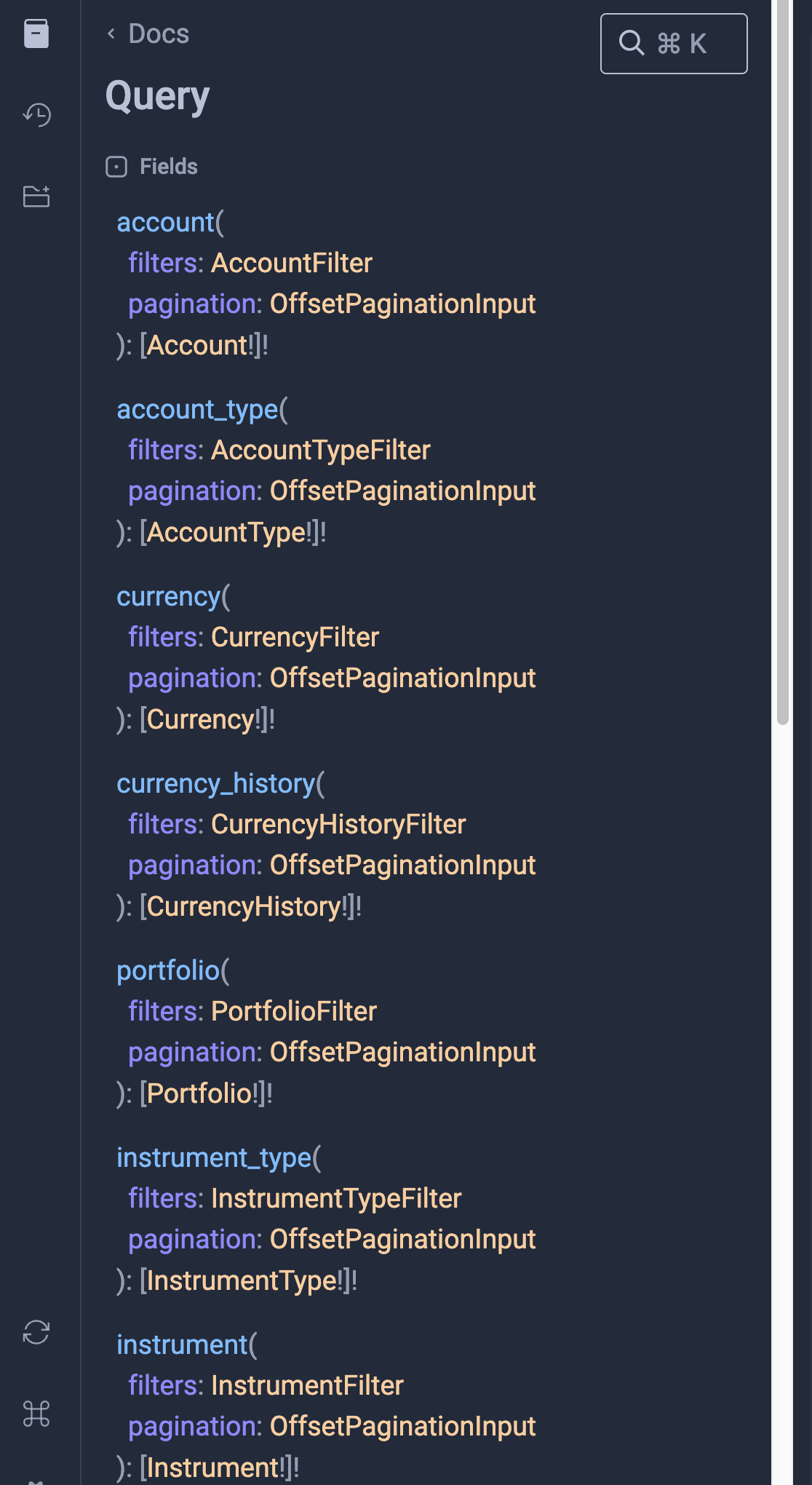
Here is the list of supported operations.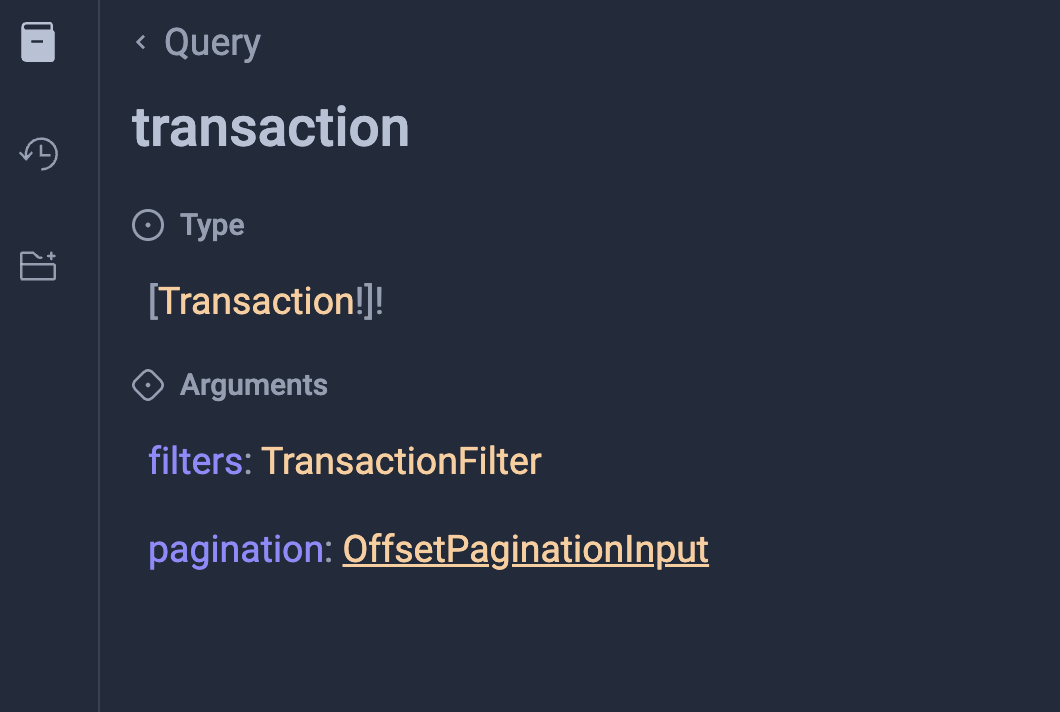
So, here you can see "Type" it will show to you all available Fields to work with in your Query
Also you can see "Filters" and "Pagination". These sections will show you how to configure your Query to work with data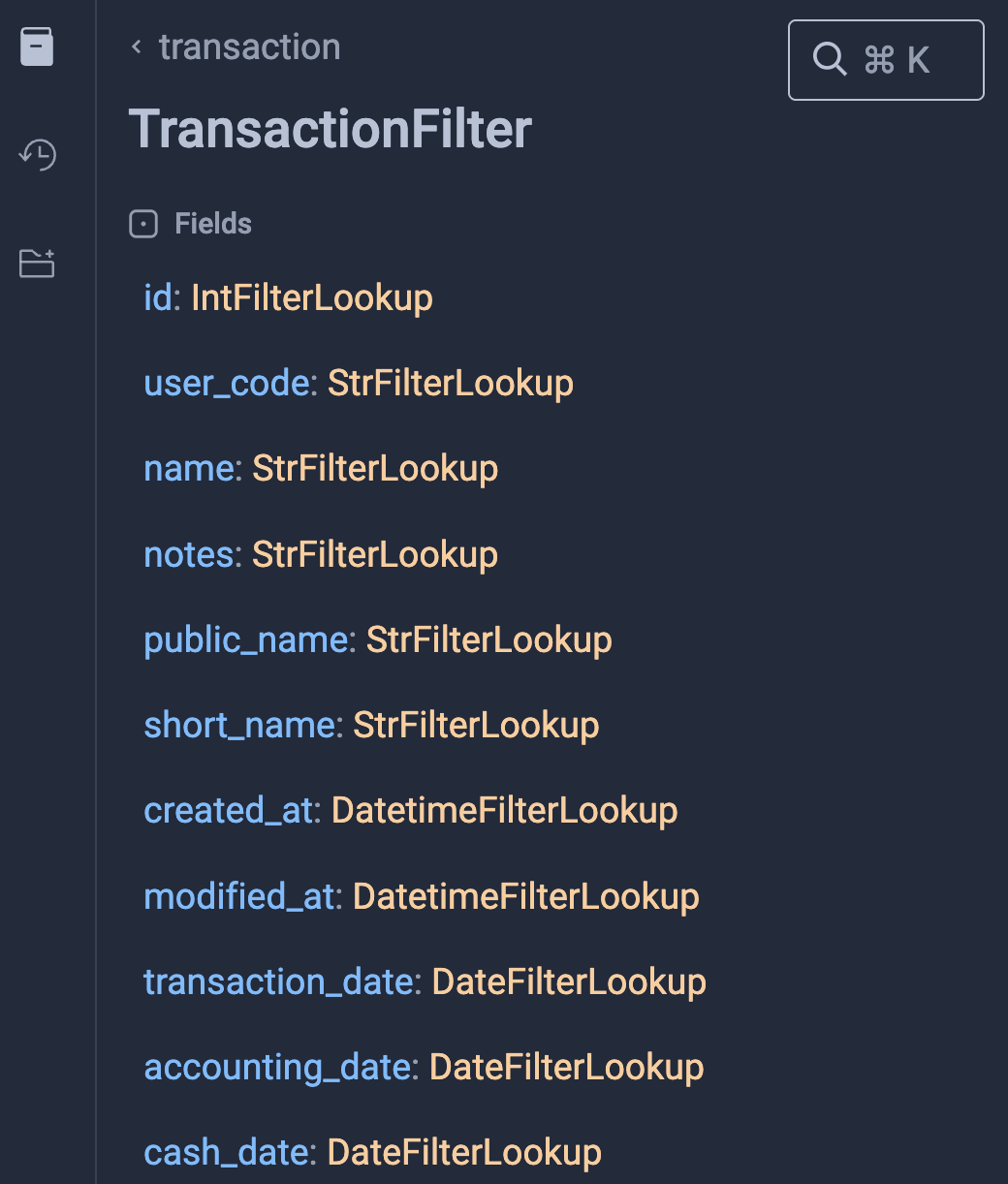
For example you could see that there is String filters and Data Filters. Other Relations fields also could be filters