
Install Finmars Platform
Here is a Full Guide to install Finmars on your Ubuntu VM:
Complete time of full installation is less than 30 minutes, by the end of it you will get a Finmars Platform Installed on your Linux Server
Prerequisite: You need to open your Terminal and navigate to the directory that contains your key-pair (.pem file) that was created in "Create VM" step of installation guide
- Connect to your VM
Example:# if this first connect chmod 400 finmars-platform-vm.pem ssh -i ./finmars-platform-vm.pem ubuntu@<Public-IP> # if this first connect # Are you sure you want to continue connecting (yes/no/[fingerprint])? yes # yes - Install
Dockerdependencies
To check if Docker installed:sudo apt update sudo apt install -y ca-certificates curl gnupg lsb-release ntp make git wget -qO- https://get.docker.com/ | sh sudo usermod -aG docker $USER newgrp dockerdocker version
Should output:Client: Docker Engine - Community Version: 28.2.2 ... Install Makesudo apt install -y make git- Create the finmars folder
sudo mkdir -p /opt/finmars sudo chown $USER:$USER /opt/finmars - Clone the Finmars Platform Community Edition repository from Github
See https://github.com/finmars-platform/finmars-community-edition repositorycd /opt/finmars git clone https://github.com/finmars-platform/finmars-community-edition.git . - Install Finmars Community Edition
You should see something like this as successful resultYou should see something like this as successful result:make install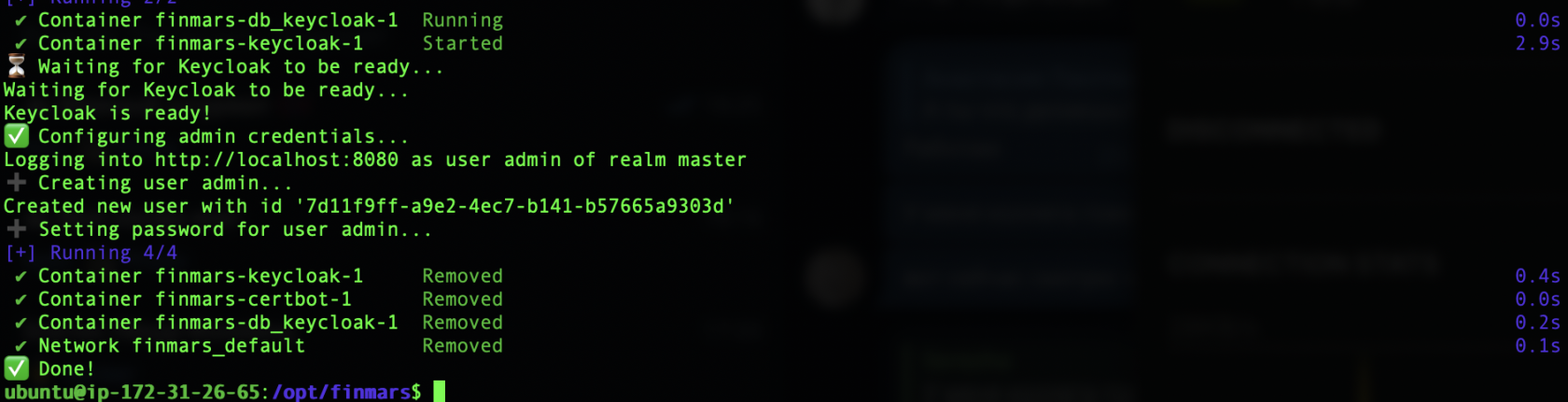
- Start all services
make up
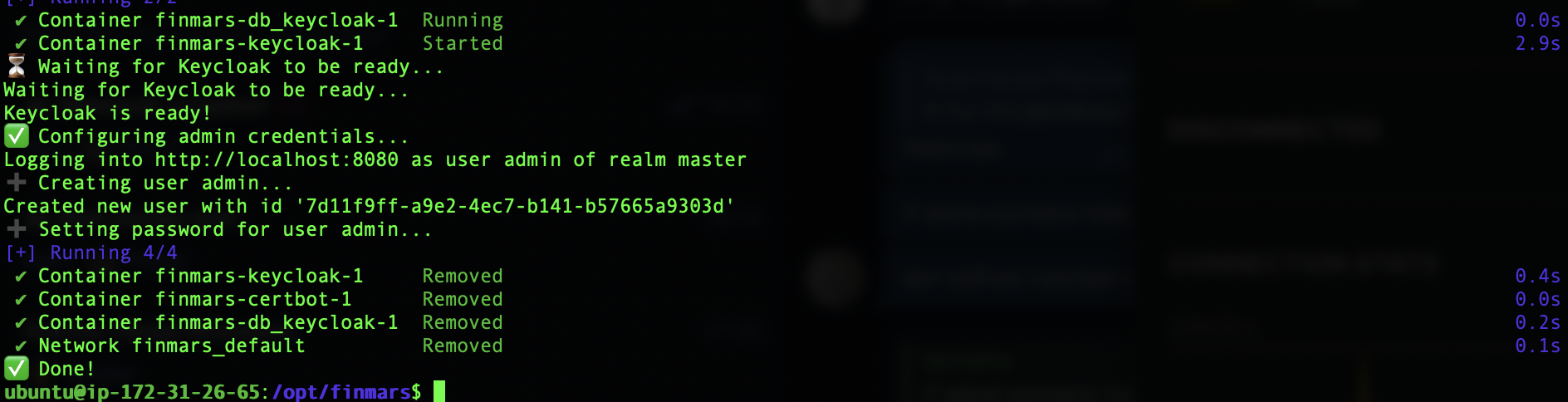
To Verify that is everything running
docker ps
And you should see something like:

It means all the Docker Containers are running.
When all is done, you can Open Web Browser at finmars.example.com and you should see Finmars Welcome Page
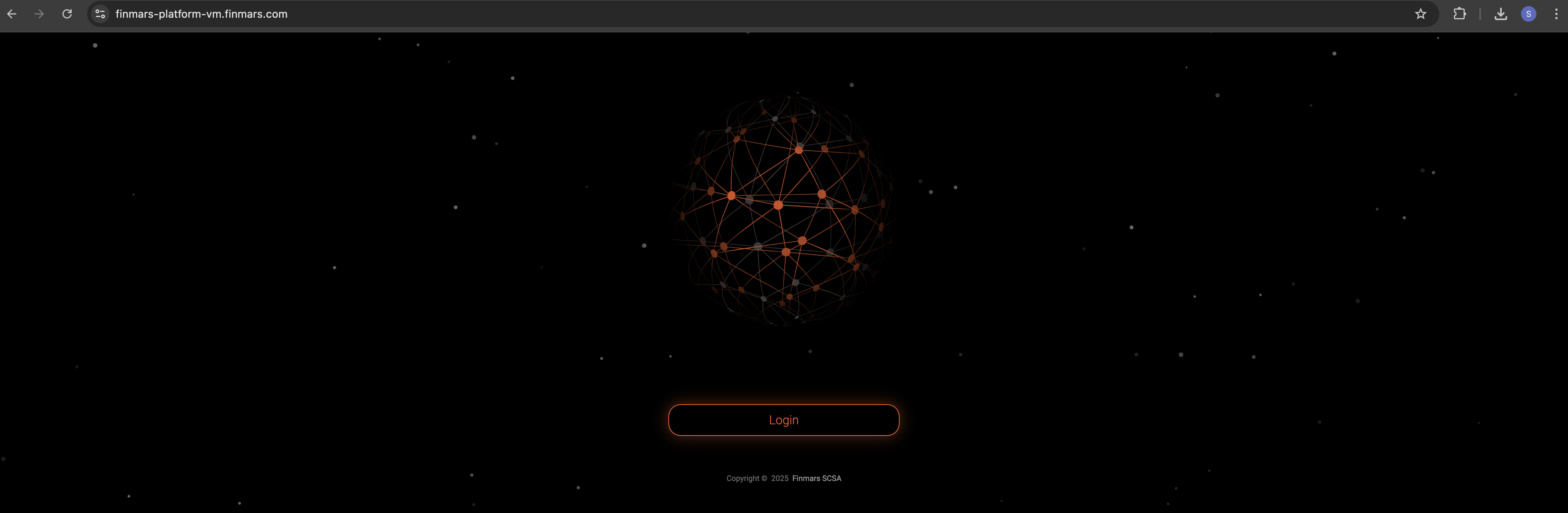
After you press Login you will be redirected to Finmars Single-Sign-On (SSO) to finmars-auth.example.com
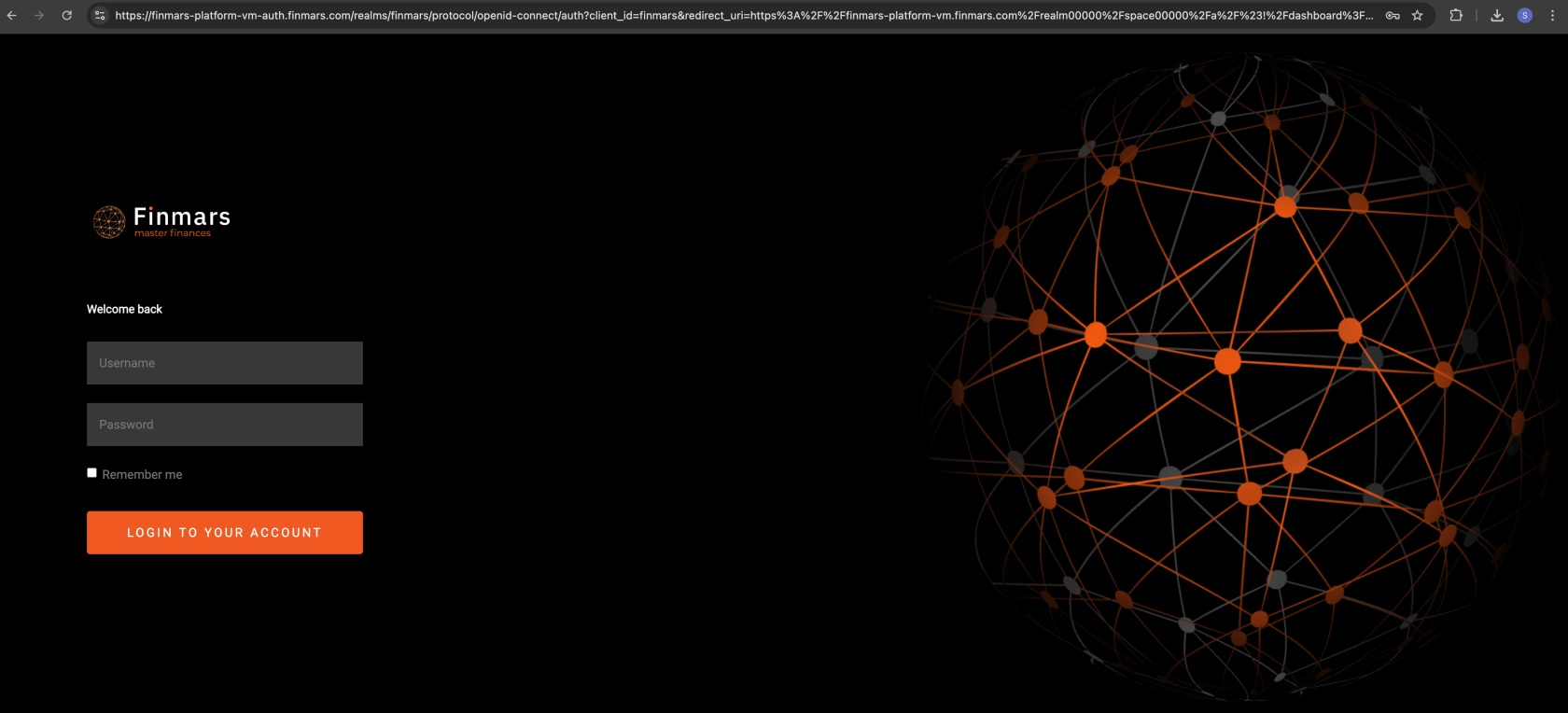
Login with your Credentials that you provided in 6) Configure env step. It should be yours ADMIN_USERNAME and ADMIN_PASSWORD
After Login you will be redirected to Dashboard page in Finmars Platform
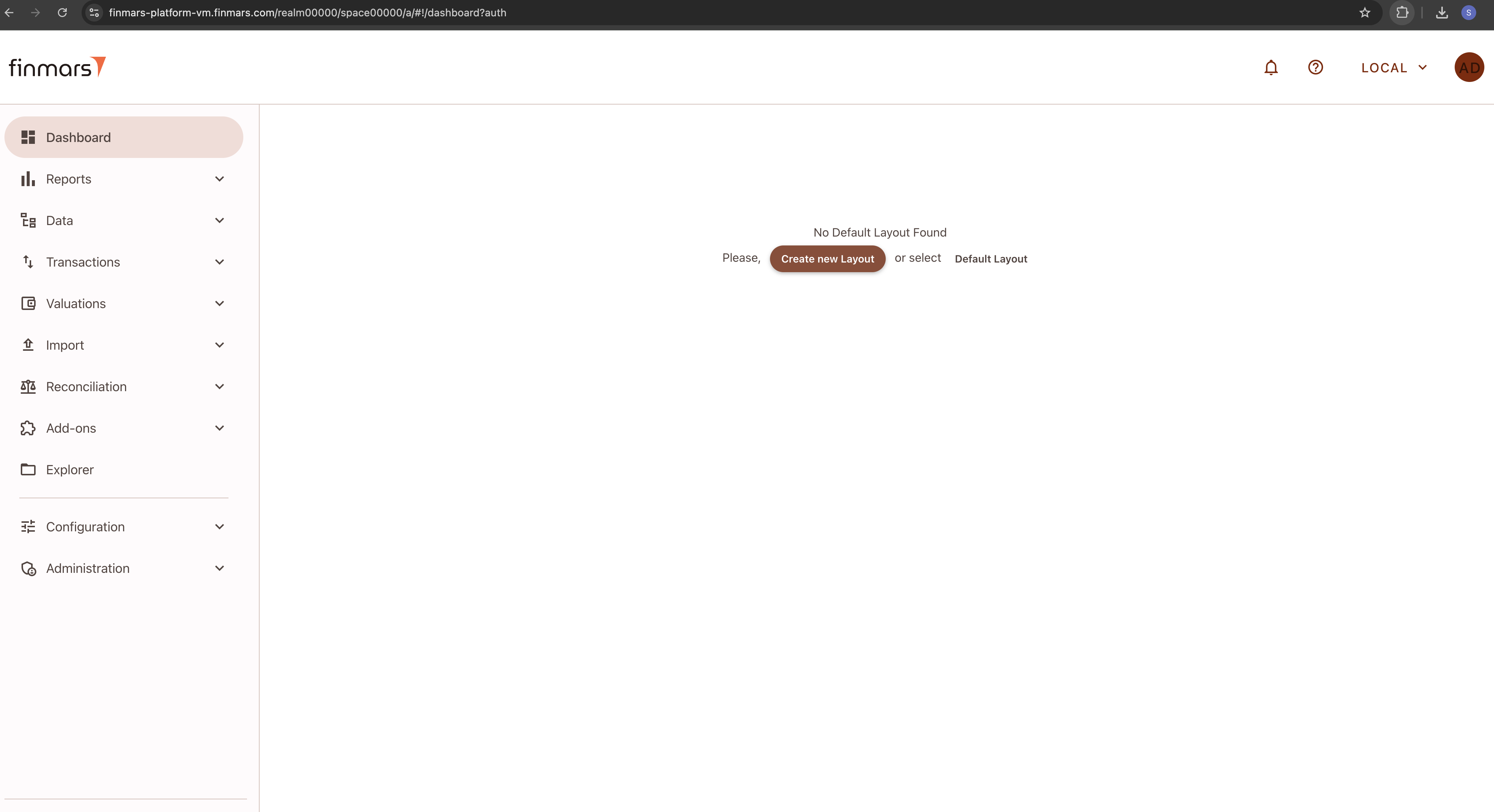
Congratulations you finished your Finmars Platform Installation Successfully! Well Done!
Get to know our User Quick Start guide for next steps
If you have some troubles during Installation - reach for any support channel:
- Create a Github Issue
- Join our Discord Server
- Contact us at support@finmars.com