Importing Instruments
- Try to get Instruments from Exante
- Download Instruments to Finmars
- Transform Instruments to Standard Configuration
- Standard Workflow Simple Autoimport
Try to get Instruments from Exante
Go to /explorer/workflows/com/finmars/exante-broker/get-instruments/test.ipynb
And configure your script
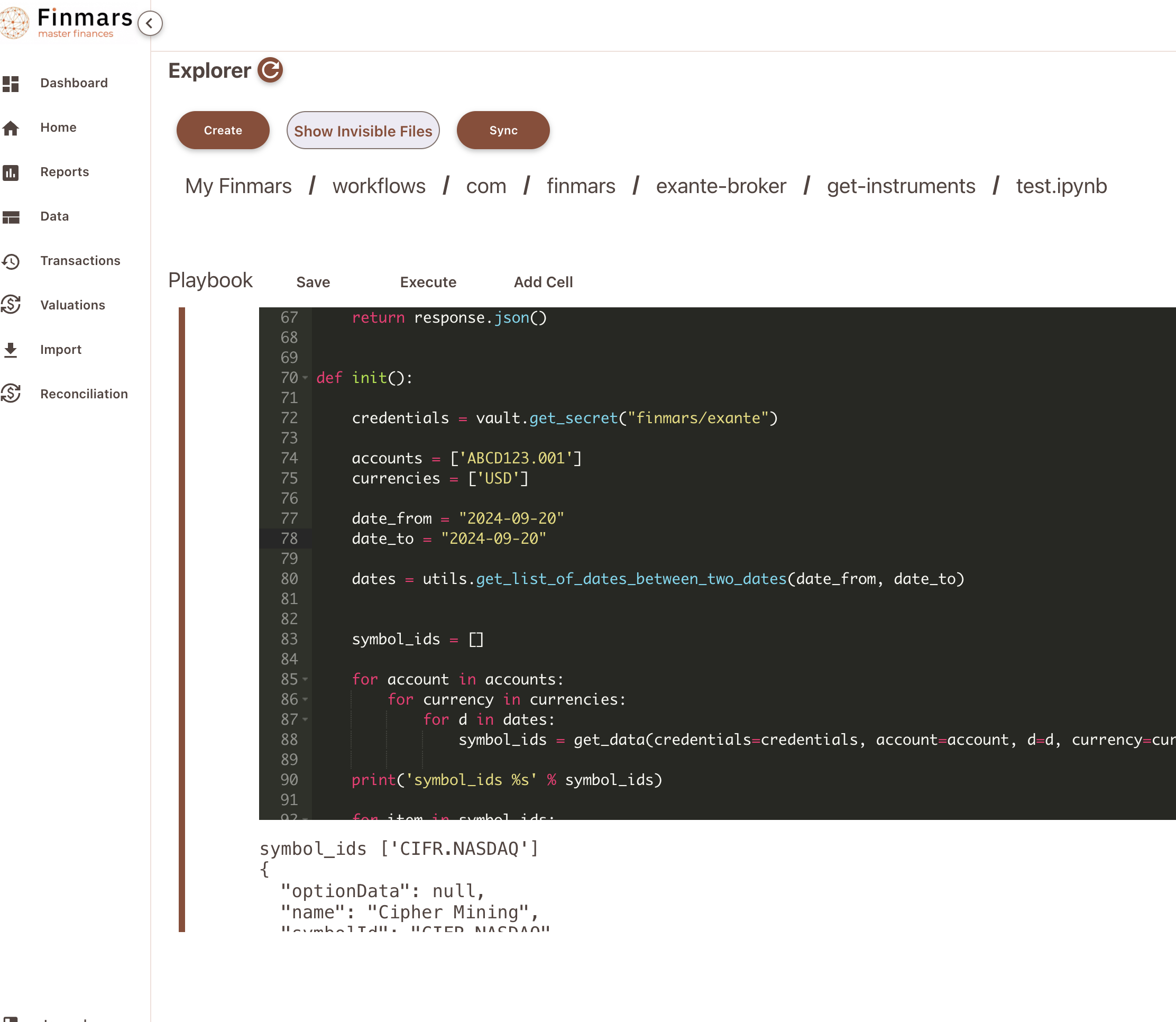
Modify path to your credentials (Line 72) and modify ids of your accounts. Optionally you can change dates
Press Execute
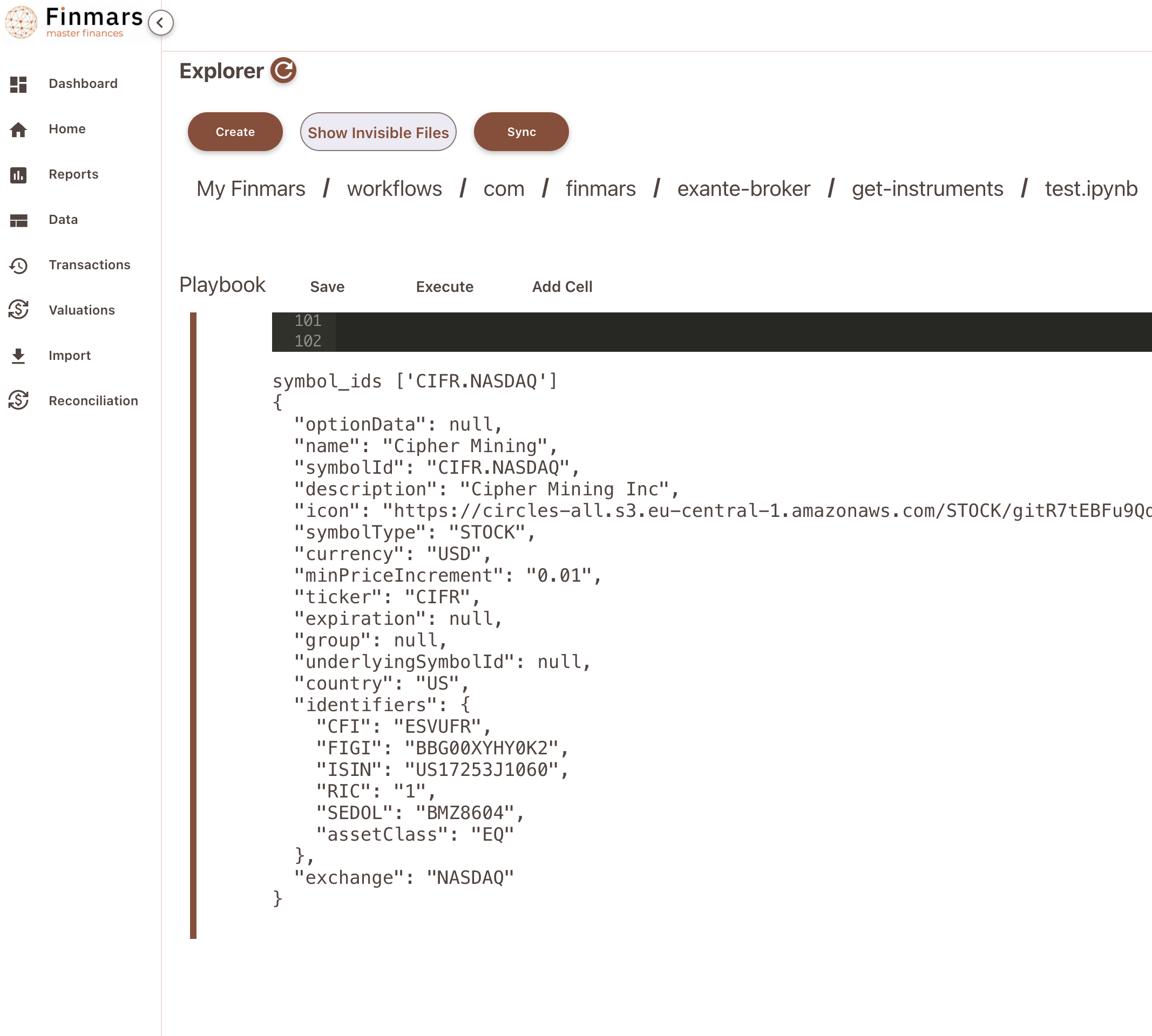
Great, now you see output of Exante Provider for Instrument
Download Instruments to Finmars
Go to Workflow Page
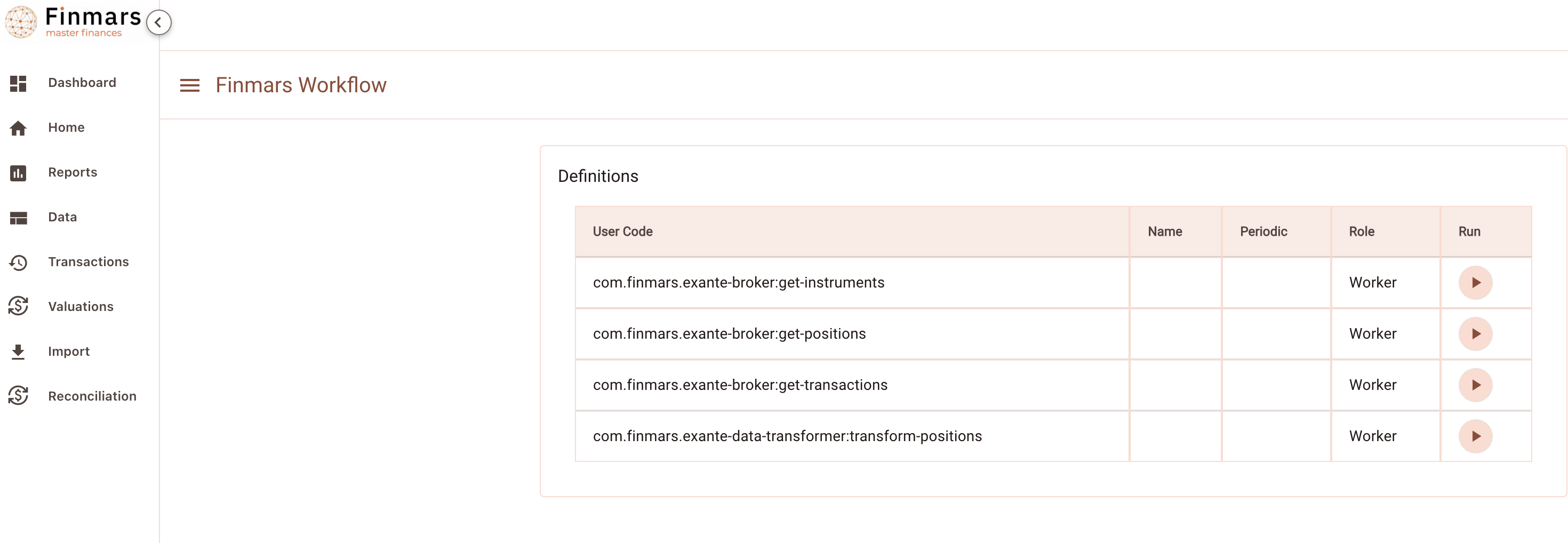
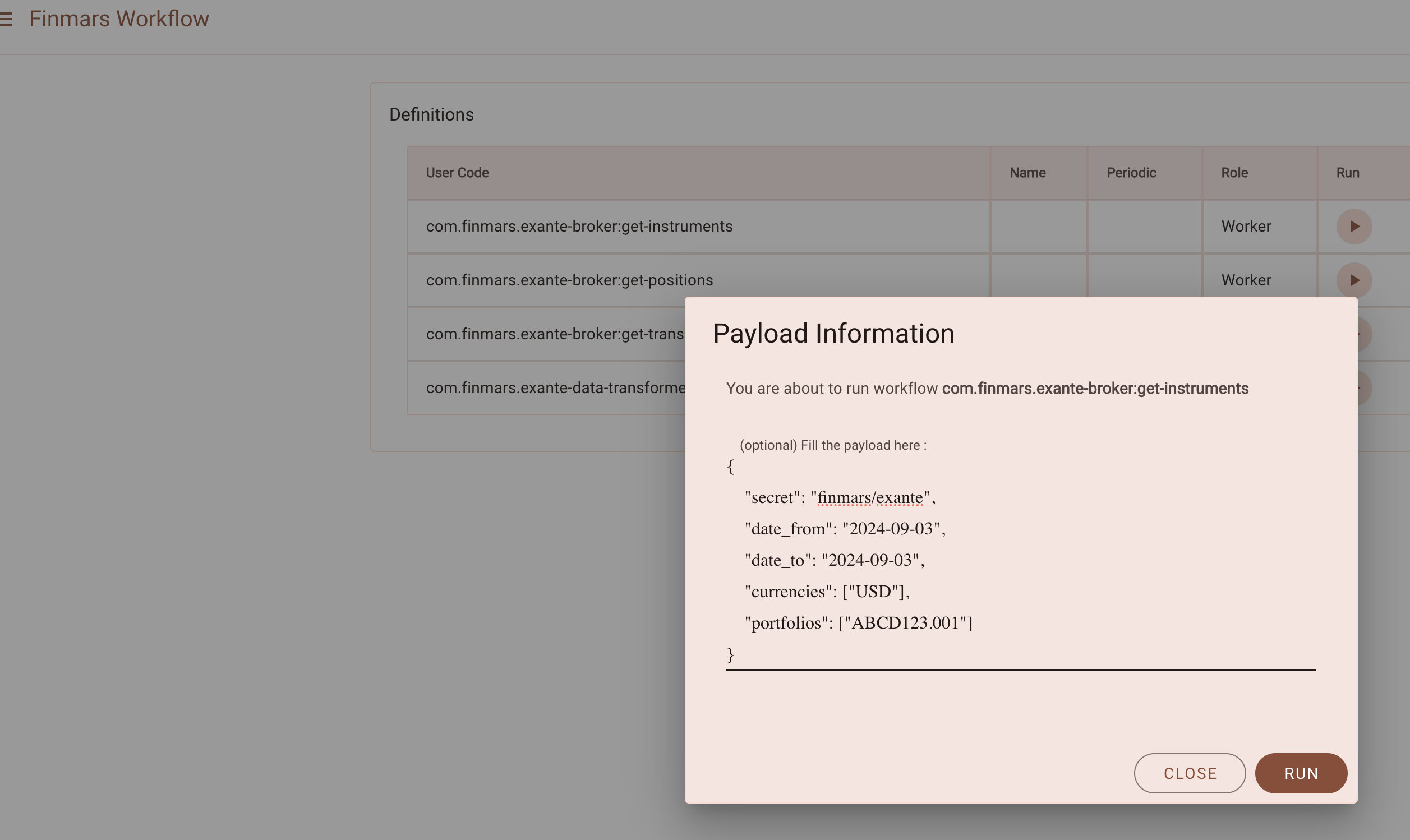
Execute workflow com.finmars.exante-broker:get-instruments
{
    "secret": "finmars/exante",
    "date_from": "2024-09-01",
    "date_to": "2024-09-27",
    "currencies": ["USD"],
    "portfolios": ["ABCD1234.001"]
}
Go to see status of your workflow
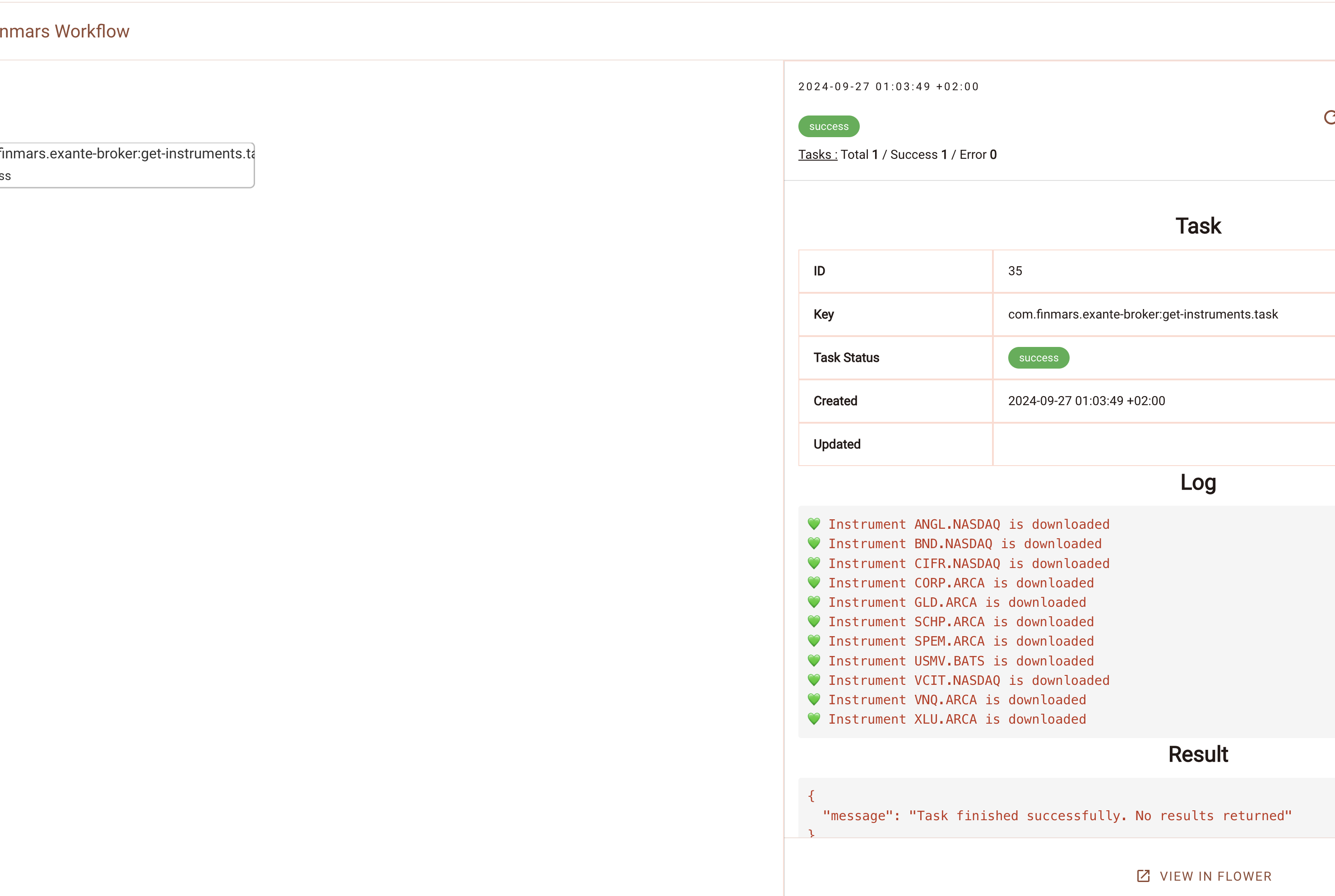
Great success! You can find your downloaded instrument in /explorer/data/exante/instruments
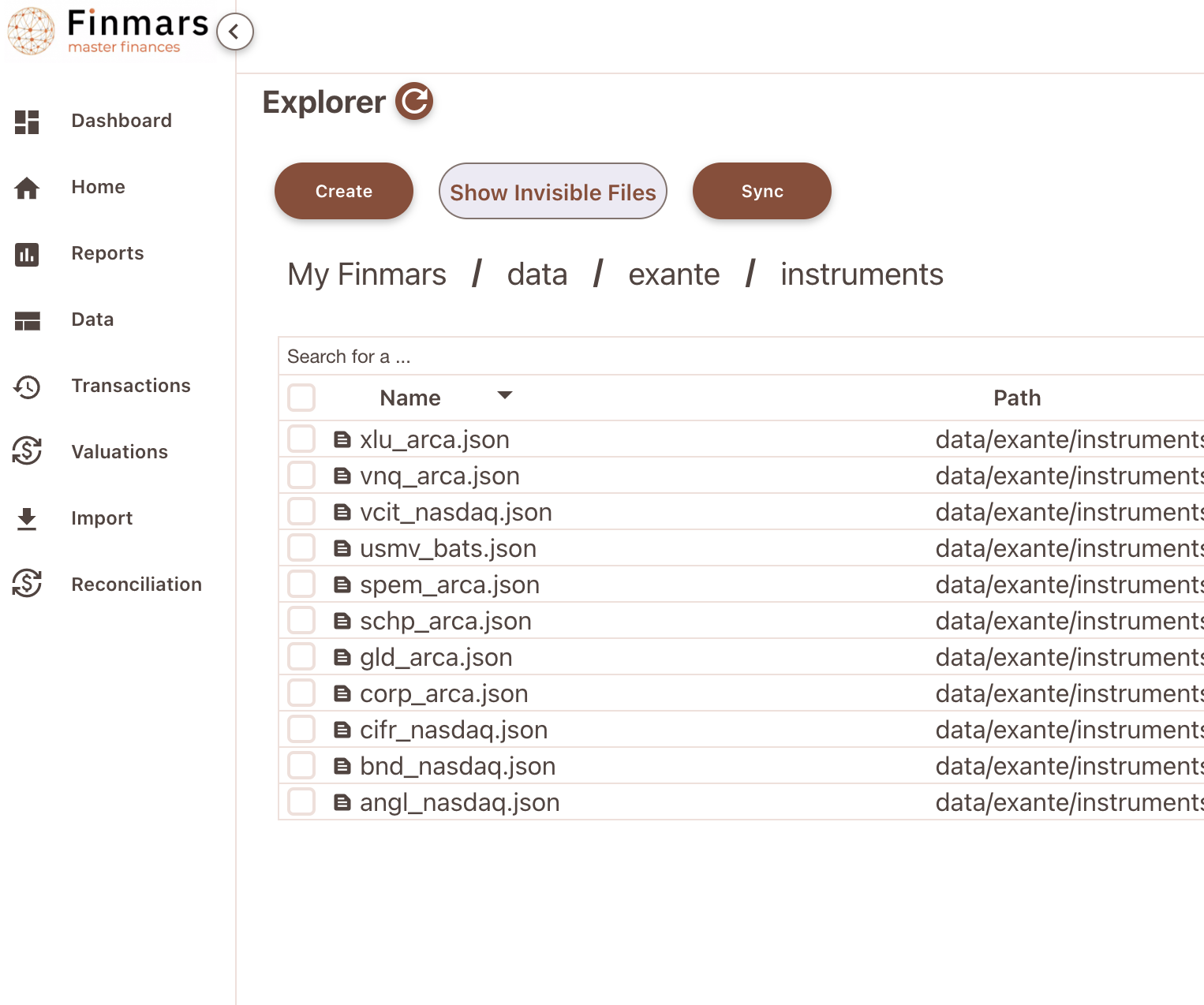
Example of content:
{
    "optionData": null,
    "name": "Utilities Select Sector SPDR Fund",
    "symbolId": "XLU.ARCA",
    "description": "Utilities Select Sector SPDR Fund",
    "icon": "https://circles-all.s3.eu-central-1.amazonaws.com/STOCK/z0pQgH2BLJJBB08lr52o4n6OFTe98UlaK.svg",
    "symbolType": "STOCK",
    "currency": "USD",
    "minPriceIncrement": "0.01",
    "ticker": "XLU",
    "expiration": null,
    "group": null,
    "underlyingSymbolId": null,
    "country": "US",
    "identifiers": {
        "CFI": "CEOJLS",
        "FIGI": "BBG000BJ7G75",
        "ISIN": "US81369Y8865",
        "RIC": "1",
        "SEDOL": "2371812",
        "assetClass": "EQ"
    },
    "exchange": "ARCA"
}
Now see com.finmars.exante-data-transformer, it should have Instrument transformer to Finmars Standard Configuration
Transform Instruments to Standard Configuration
Precondition: You downloaded some Positions from Exante (Check your /explorer/data/exante/instruments folder)
Go to Worfklow Page
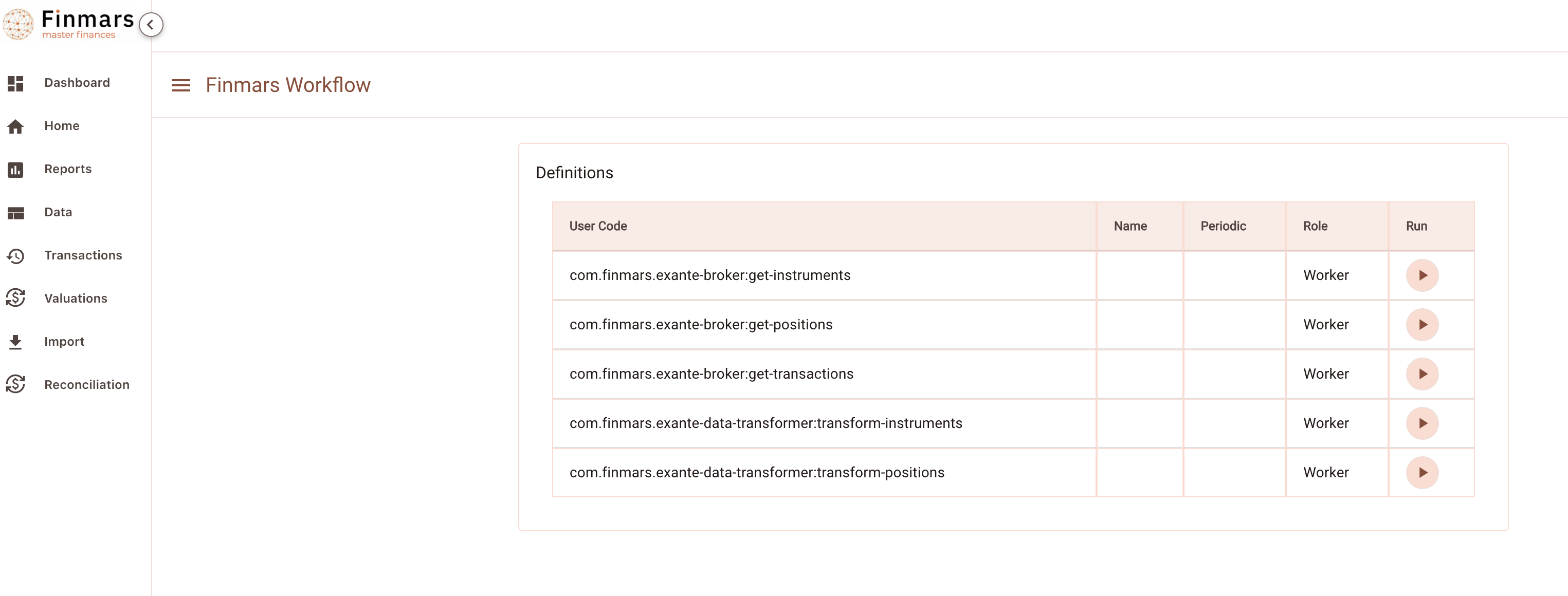
Execute com.finmars.exante-data-transformer:transform-instruments No Payload needed
Check you Task status
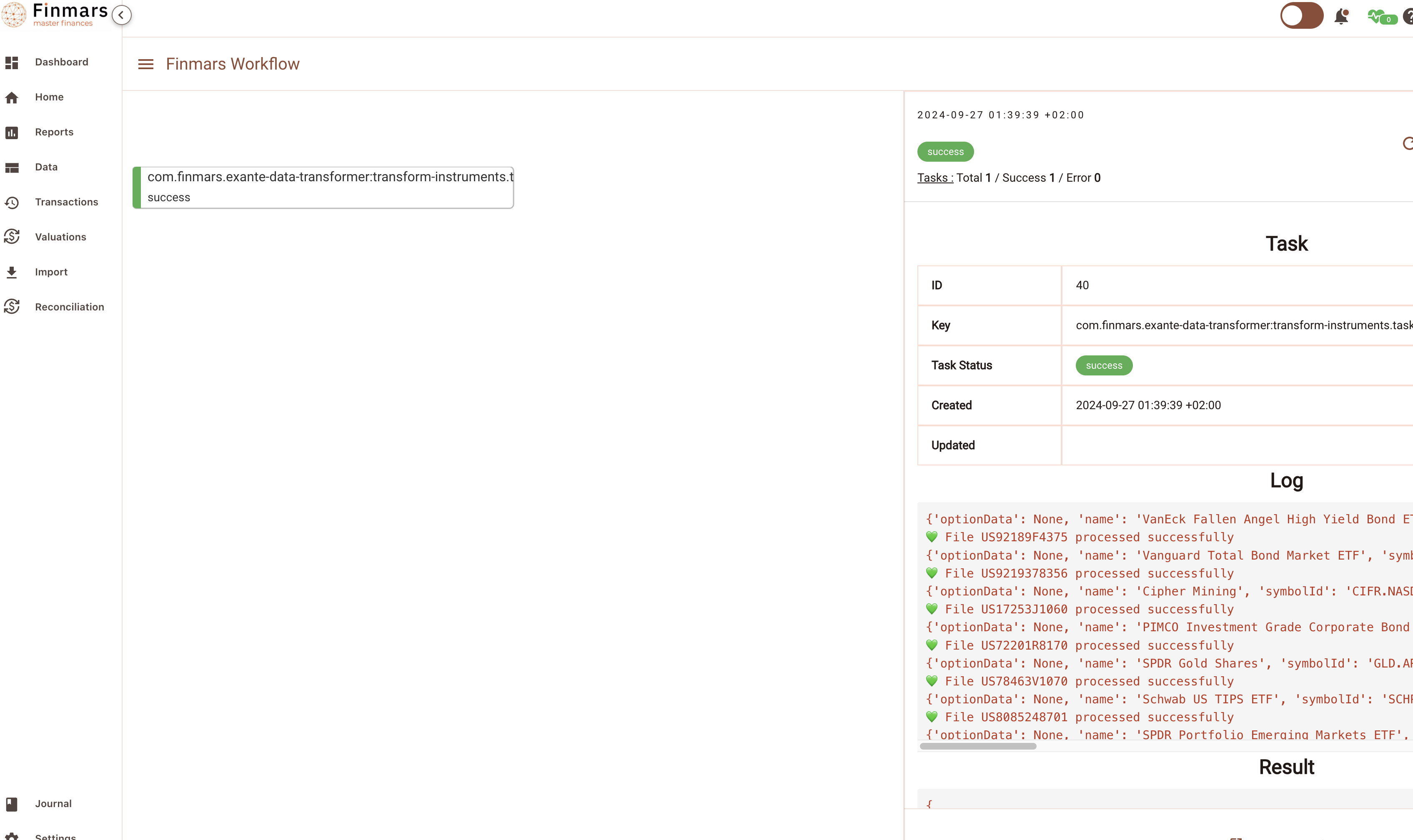
Great work! Now you can see your converted instruments in /explorer/data/general/instruments
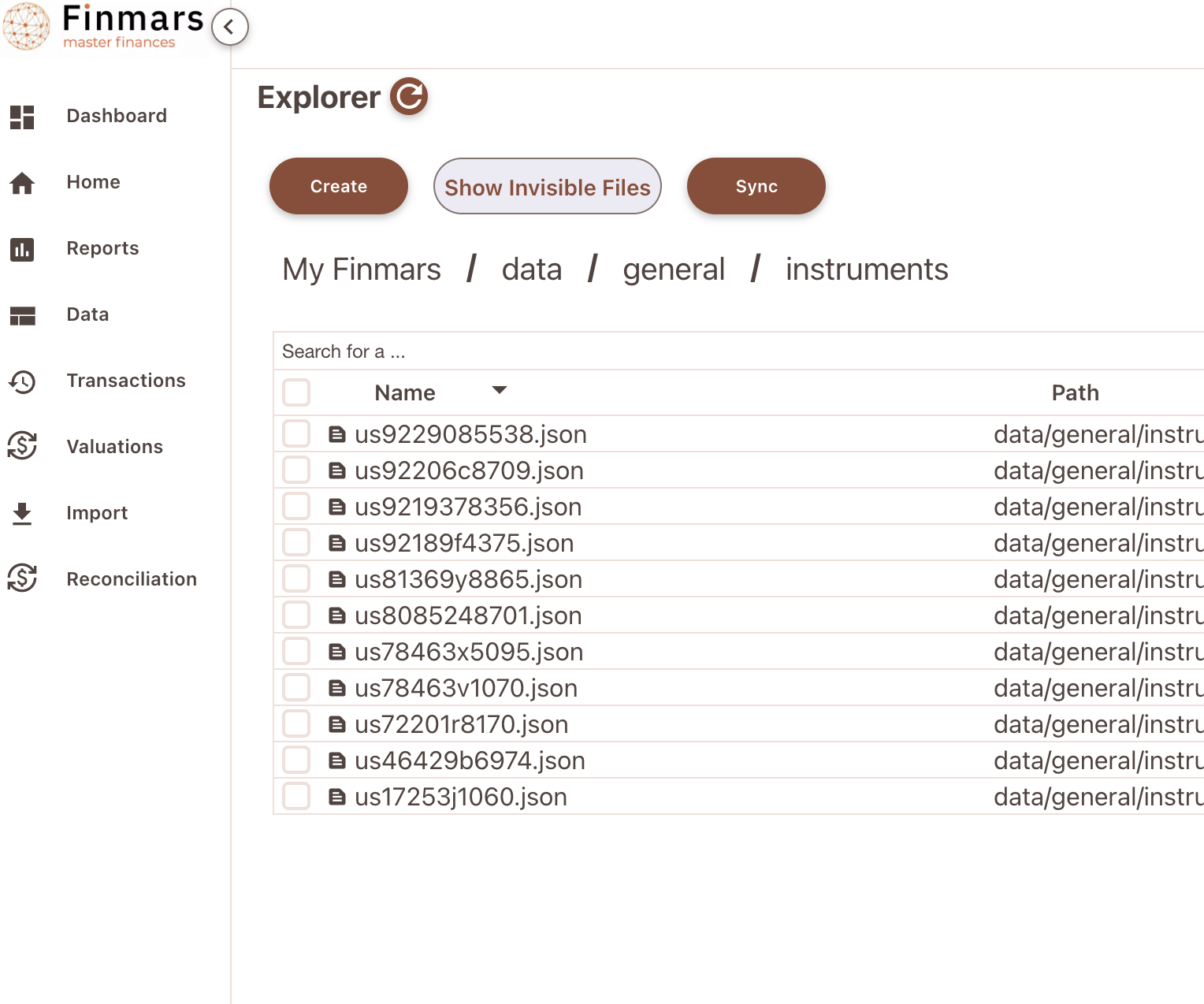
Content Example:
{
    "instrument": "US9229085538",
    "instrument_name": "Vanguard Real Estate ETF",
    "short_name": "VNQ.ARCA",
    "public_name": "Vanguard Real Estate ETF",
    "instrument_description": "Vanguard Real Estate ETF",
    "instrument_type": "com.finmars.initial-instrument-type:stock",
    "pricing_currency": "USD",
    "accrued_currency": "USD",
    "country": "US",
    "id_isin": "US9229085538",
    "id_figi": "BBG000Q89PB6",
    "id_sedol": "B031NY4"
}
Well done! This file will go to STD - Instruments (com.finmars.standard-import-from-file:instruments.instrument:instruments)
You can try manually import that data in Finmars (do not forget wrap Dictionary into List - Square Brackets [] )
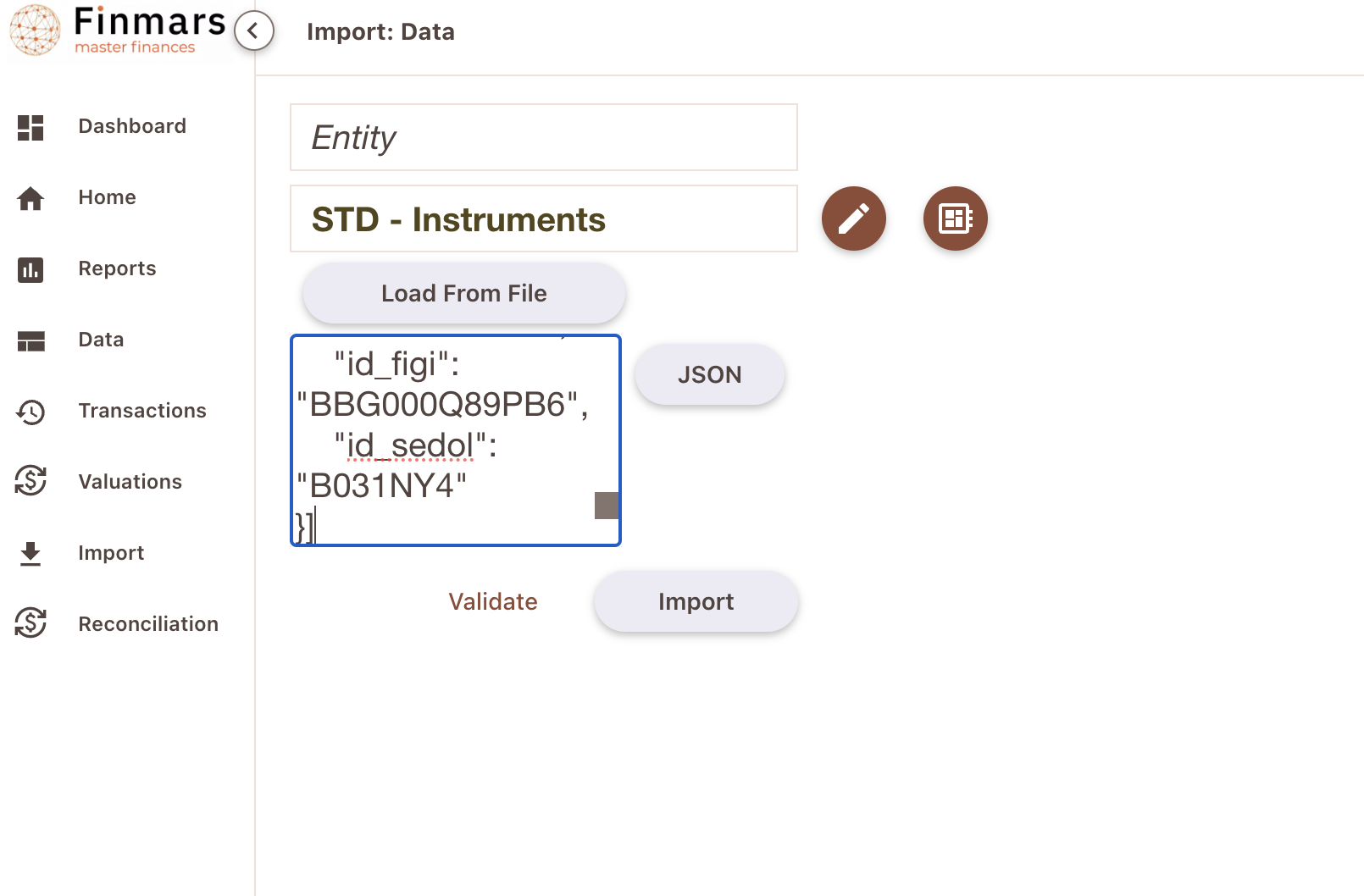
Well done!
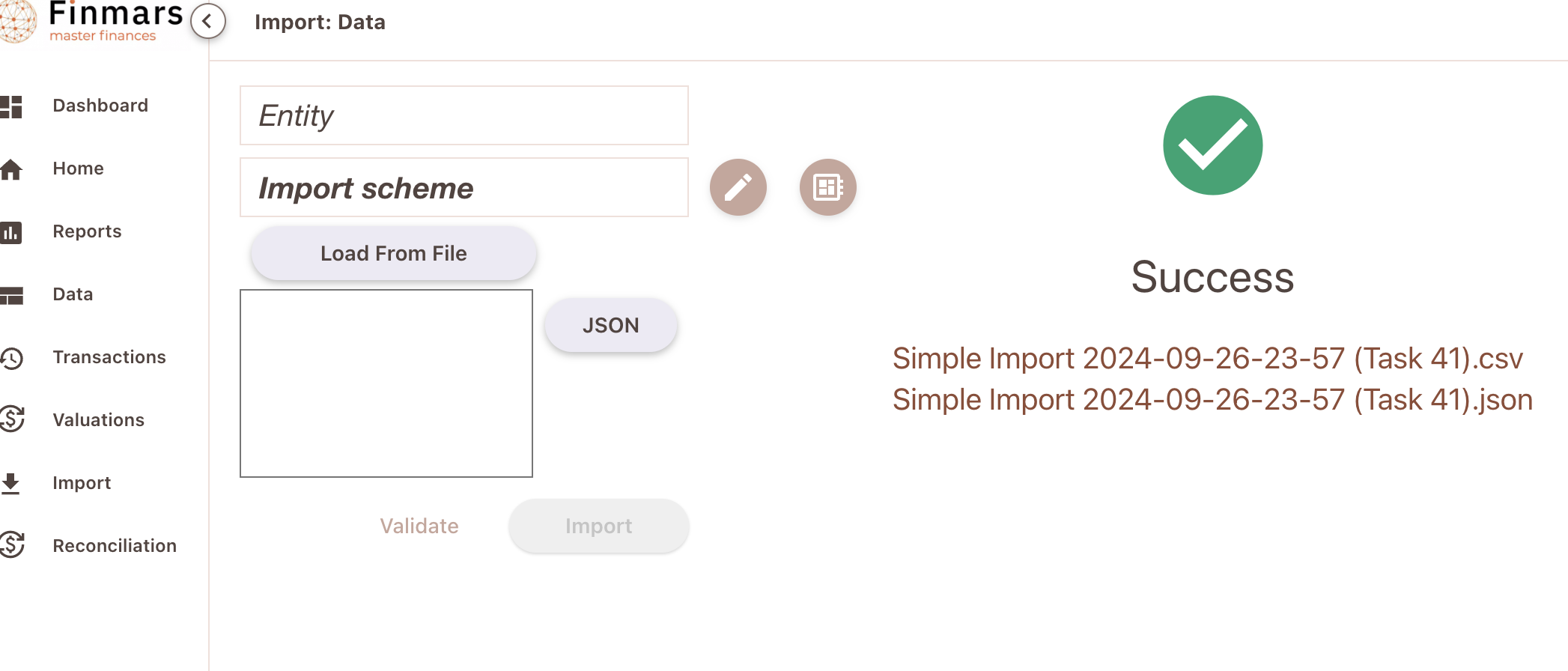
Now go to /data/instrument page (Entity Viewer)
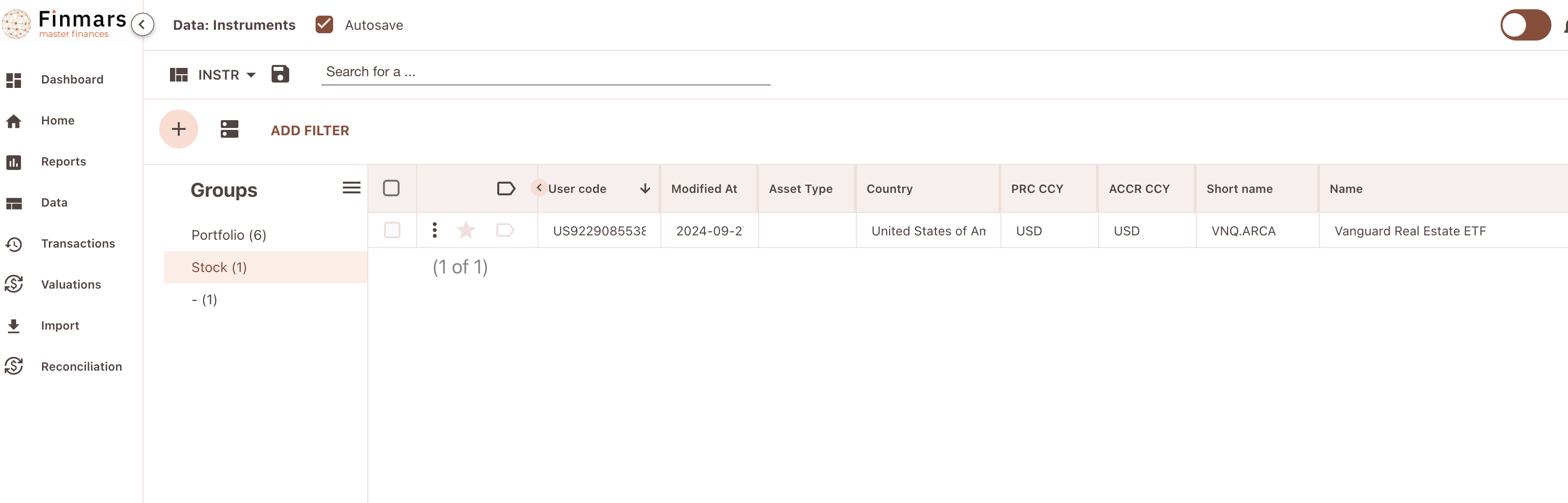
Instrument is successfully imported into Finmars!
Standard Workflow Simple Autoimport
So far we have:
Exante Instruments
Exante Positions
We assume that there is no exotic currencies (then you need Exante Currencies)
All these data converted to Standard Configuration. So we should be able to Import them!
Before creating an automation, lets try to do it manually
So, for that we will use /explorer/workflows/com/finmars/standard-workflow/simple-autoimport/tasks.py
its a relatively simple workflow that could import either data or transactions. Its payload structure is:
So you add any number of steps (Depends of your situation). Order is matter! Here for example we import Instruments and then only Positionsdirectory - optional: path to directory in explorer with files to import, trailing slash is important (/ on end)file_path - optional: path to some file in explorer with data to importimport_type - required:"data" for Simple Import, "transaction" for Transaction Importschema - required: user_code of schema to execute
Nota bene: Both directory and file_path are optional, but one must be presentdirectory it will tries to join all files in that directory into one file (List of Dictionaries)
So, lets try it out!
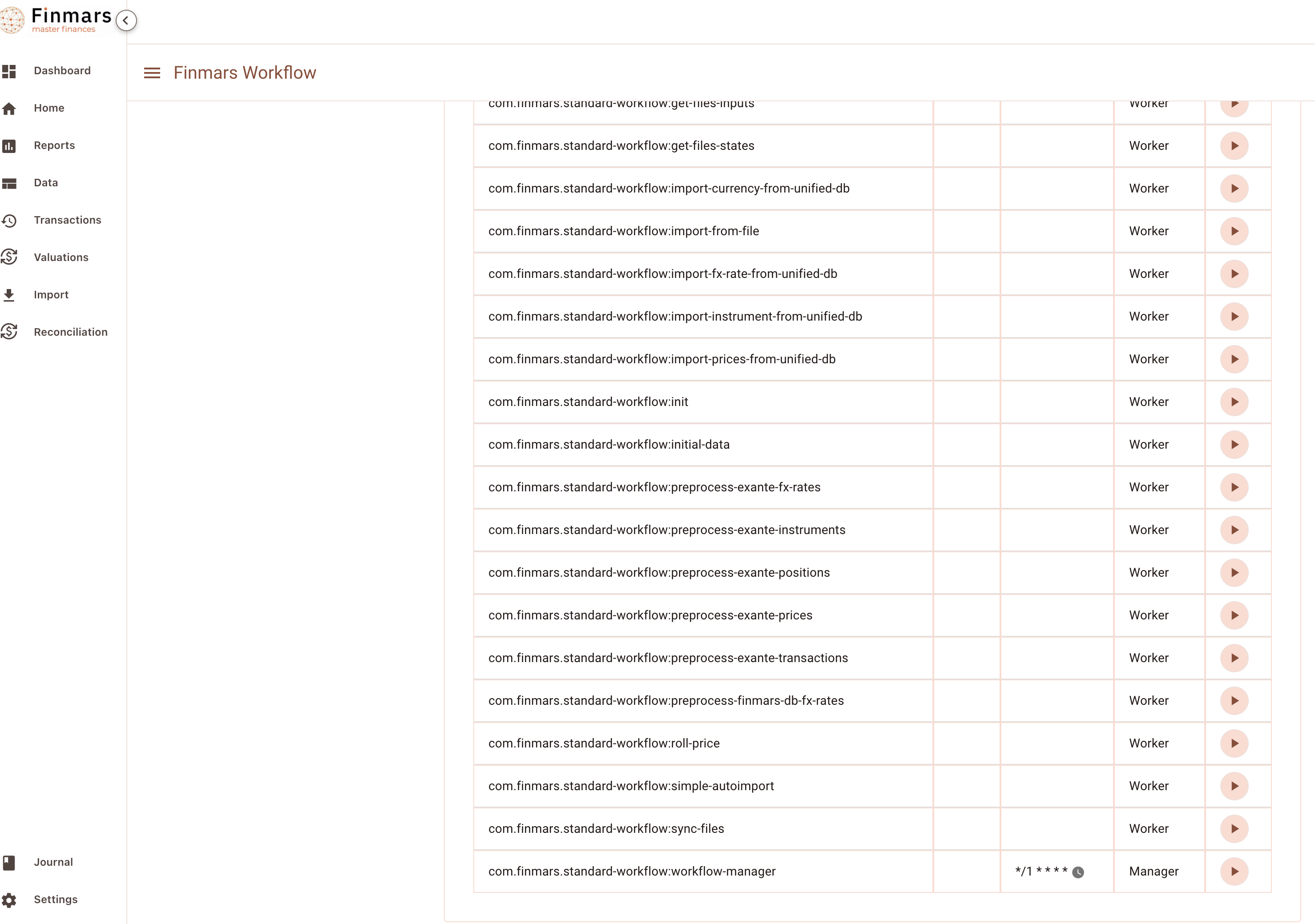
Go to Workflows Page and lets find com.finmars.standard-workflow:simple-autoimport
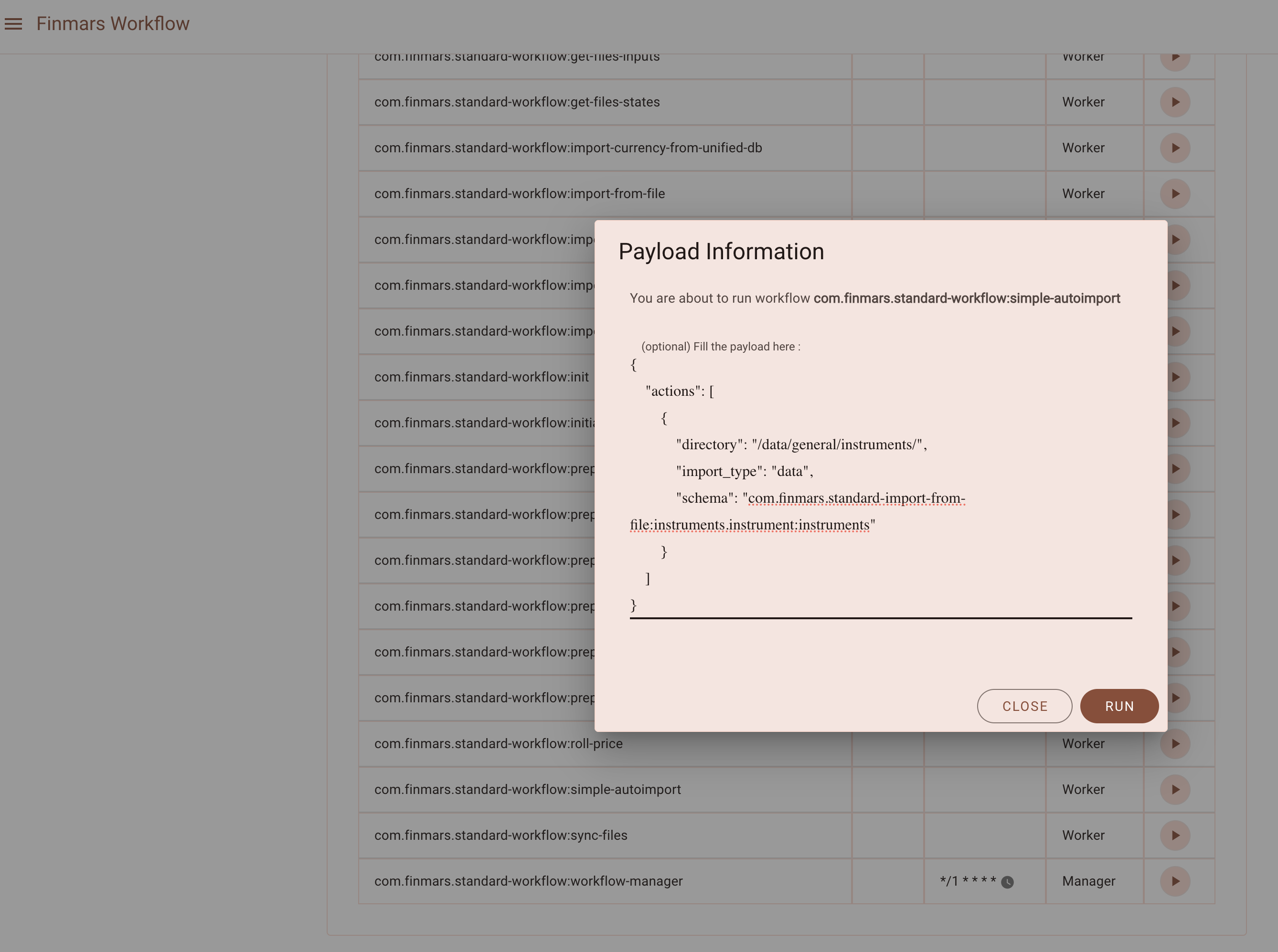
{
    "actions": [
        {
            "directory": "/data/general/instruments/",
            "import_type": "data",
            "schema": "com.finmars.standard-import-from-file:instruments.instrument:instruments"
        },
        {
            "file": "/data/general/positions/exante_abcd123_001_2024-09-01_2024-09-24.json",
            "import_type": "transaction",
            "schema": "com.finmars.standard-import-from-file:pos_daily"
        }
    ]
} 
Lets execute it!
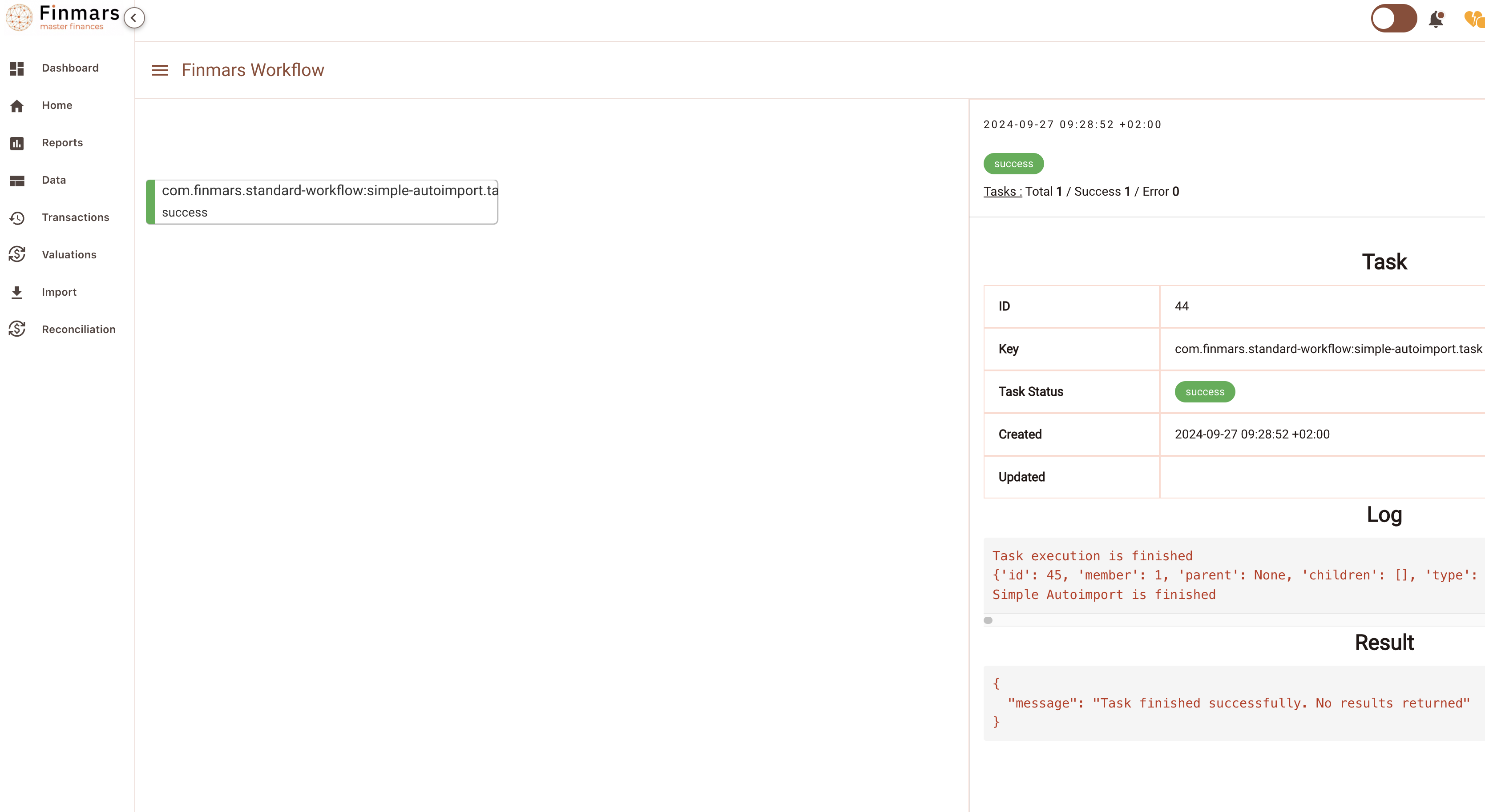
Go to see your Task Status
Okay, so far we Imported only Instruments, let see (Go to Data / Instruments)
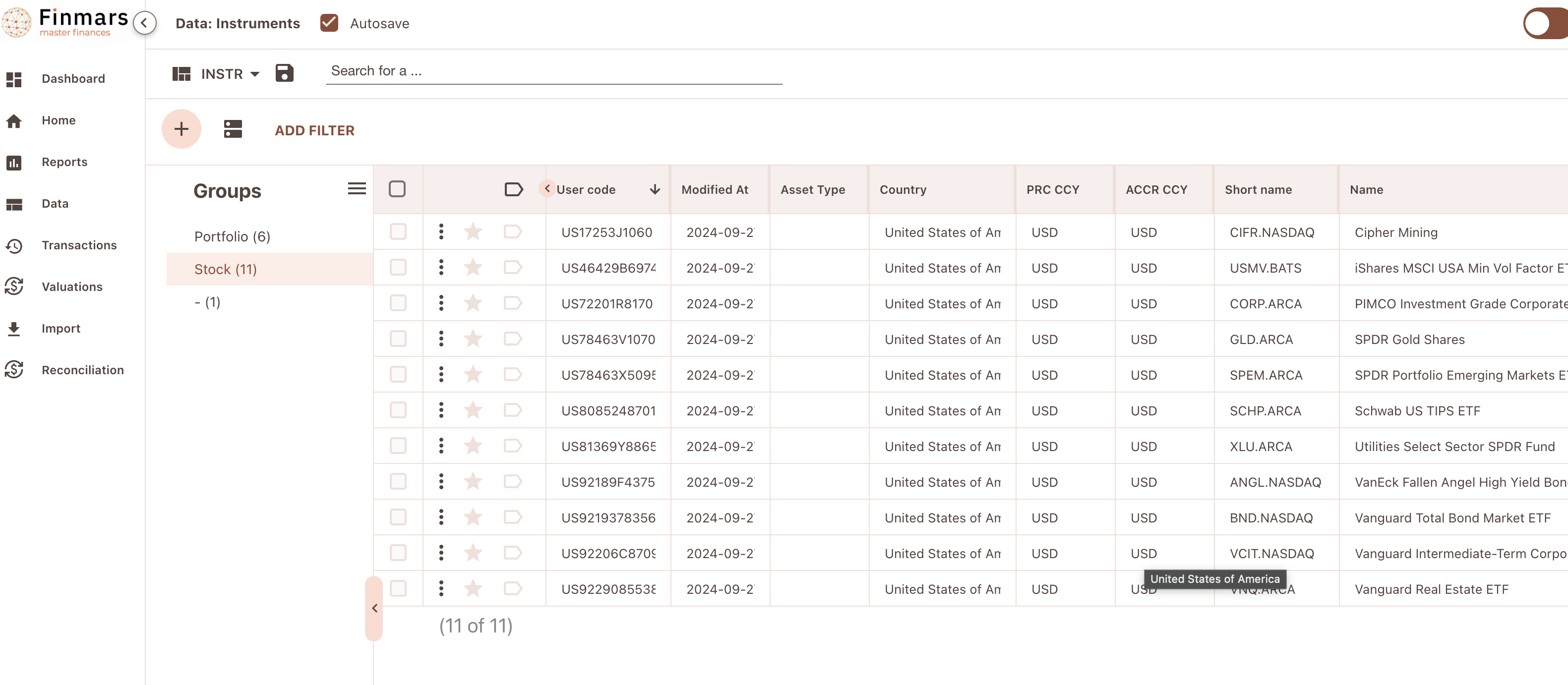
Great success! We imported all the instruments from files that we previously downloaded from Exante