# Setup Finmars CE
1. ****Open Finmars Setup in your Web Browser****
- Go to http://****Your\_Public\_IP****:8888 (for example http://203.0.113.25:8888)
- Proceed with Setup Wizard
2. ****You Should see following screen****
[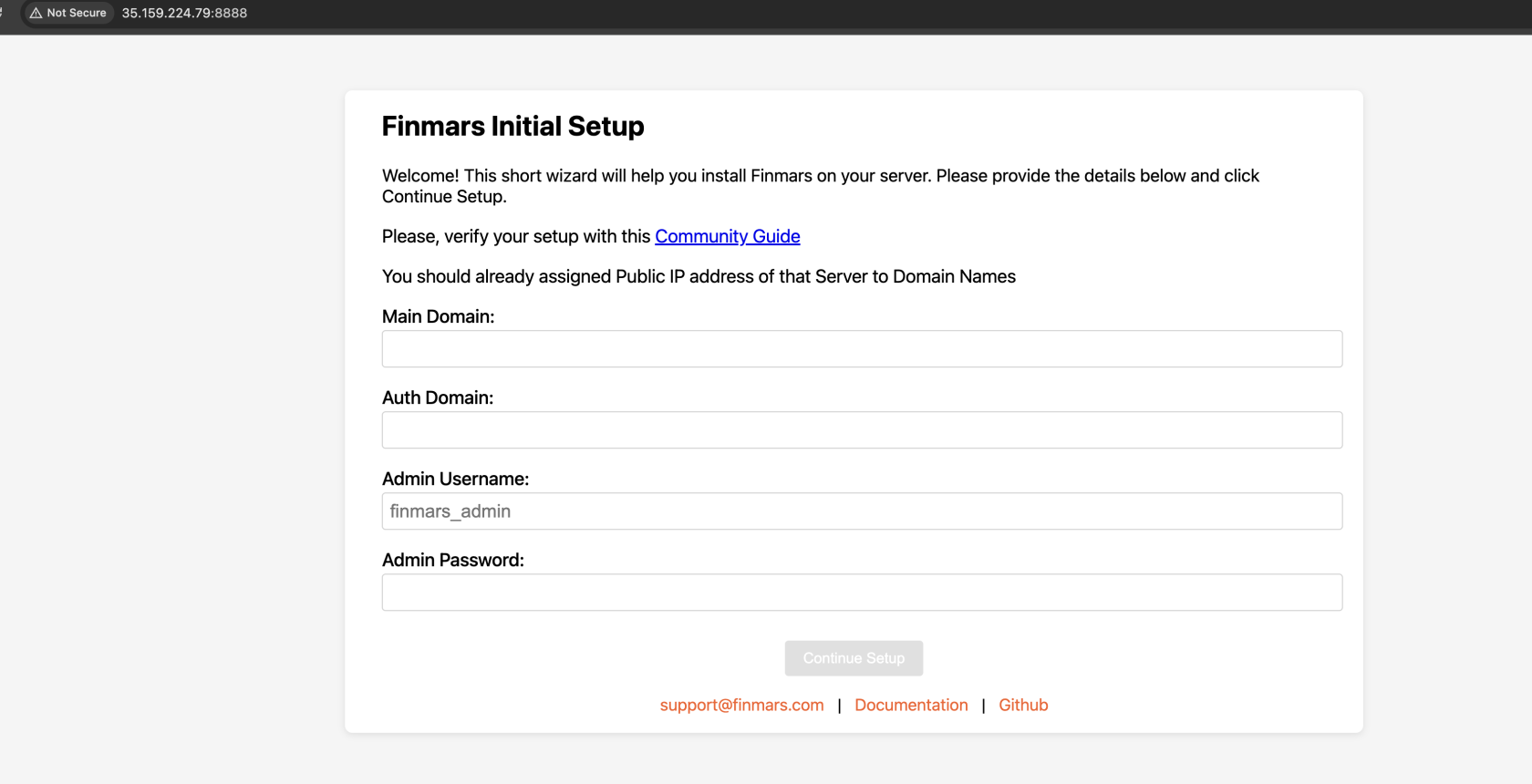 ](https://docs.finmars.com/uploads/images/gallery/2025-06/screenshot-2025-06-26-at-19-01-48.png)
3. ****Fill Out form with your Data****[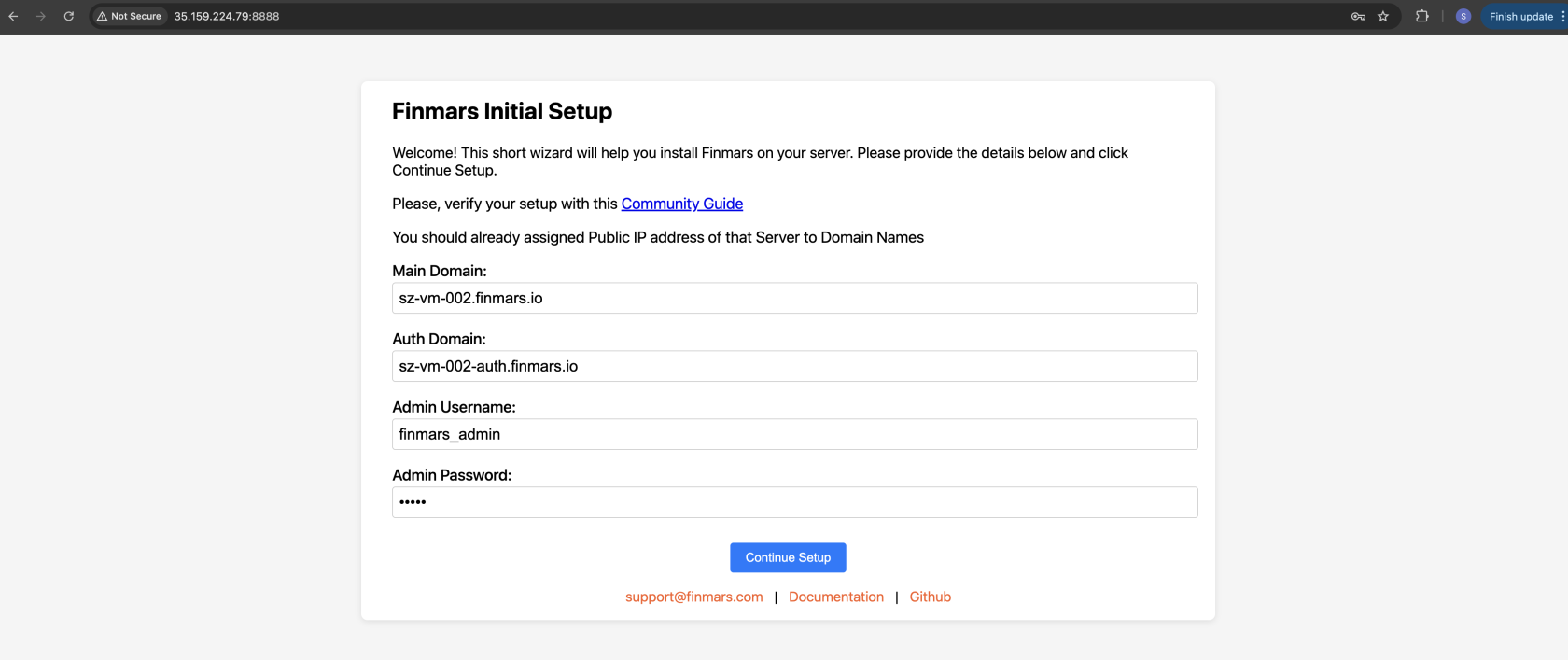](https://docs.finmars.com/uploads/images/gallery/2025-06/screenshot-2025-06-26-at-19-02-53.png)
4.
5. ****Click** `Continue Setup`**
[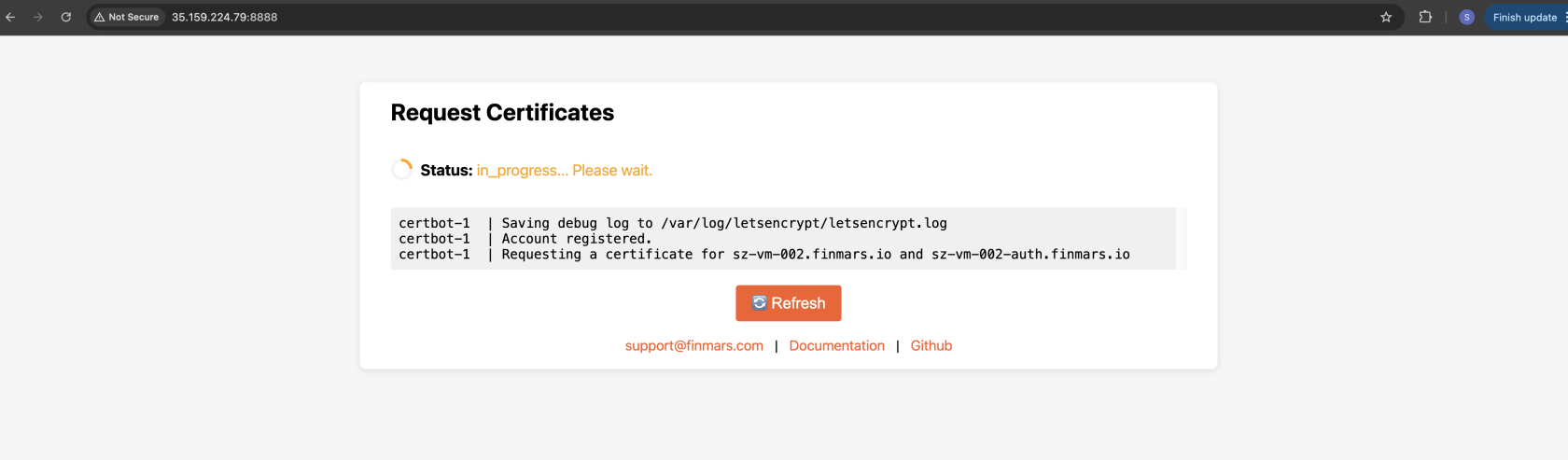](https://docs.finmars.com/uploads/images/gallery/2025-06/screenshot-2025-06-26-at-19-06-13.png)
6. Wait until Installation is Finished
7. When its Done, proceed to your Installed Finmars CE platform! Well done!
[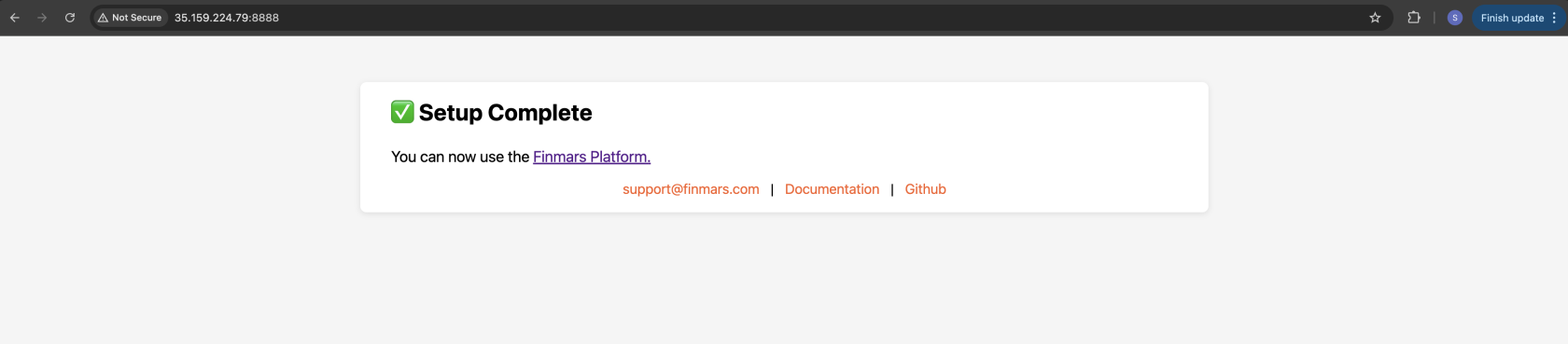](https://docs.finmars.com/uploads/images/gallery/2025-06/screenshot-2025-06-26-at-19-18-11.png)
Go to next steps!
- Get to know our [User Quick Start](https://docs.finmars.com/books/user-quick-start) guide for next steps
---
If you have some troubles during Installation - reach for any support channel:
- Create a [Github Issue](https://github.com/finmars-platform/finmars-core/issues/new)
- Join our [Discord](https://discord.gg/dJFxjwKQet) Server
- Contact us at