# Install Finmars Platform
#### Here is a Full Guide to install Finmars on your Ubuntu VM:
Complete time of full installation is less than 30 minutes, by the end of it you will get a Finmars Platform Installed on your Linux Server
Prerequisite: You need to open your Terminal and navigate to the directory that contains your key-pair (.pem file) that was created in ["Create VM" step of installation guide](https://docs.finmars.com/books/installation-guide-with-aws-advanced/page/create-virtual-machine)
1. **Connect to your VM**
Example:
```
# if this first connect
chmod 400 finmars-platform-vm.pem
ssh -i ./finmars-platform-vm.pem ubuntu@
# if this first connect
# Are you sure you want to continue connecting (yes/no/[fingerprint])? yes
# yes
```
2. **Install dependencies**
```bash
sudo apt update
sudo apt install -y ca-certificates curl gnupg lsb-release ntp make git
wget -qO- https://get.docker.com/ | sh
sudo usermod -aG docker $USER
newgrp docker
```
To check if Docker installed:
`docker version`
Should output:
```
Client: Docker Engine - Community
Version: 28.2.2
...
```
3. **Create the finmars folder**
```bash
sudo mkdir -p /opt/finmars
sudo chown $USER:$USER /opt/finmars
```
4. **Clone the Finmars Platform Community Edition repository from Github**
See [https://github.com/finmars-platform/finmars-community-edition](https://github.com/finmars-platform/finmars-community-edition) repository
```bash
cd /opt/finmars
git clone https://github.com/finmars-platform/finmars-community-edition.git .
```
5. **Install Finmars Community Edition**
```f#
make install
```
You should see something like this as successful result[You should see something like this as successful result: ](https://docs.finmars.com/uploads/images/gallery/2025-06/screenshot-2025-06-11-at-20-37-55.png)[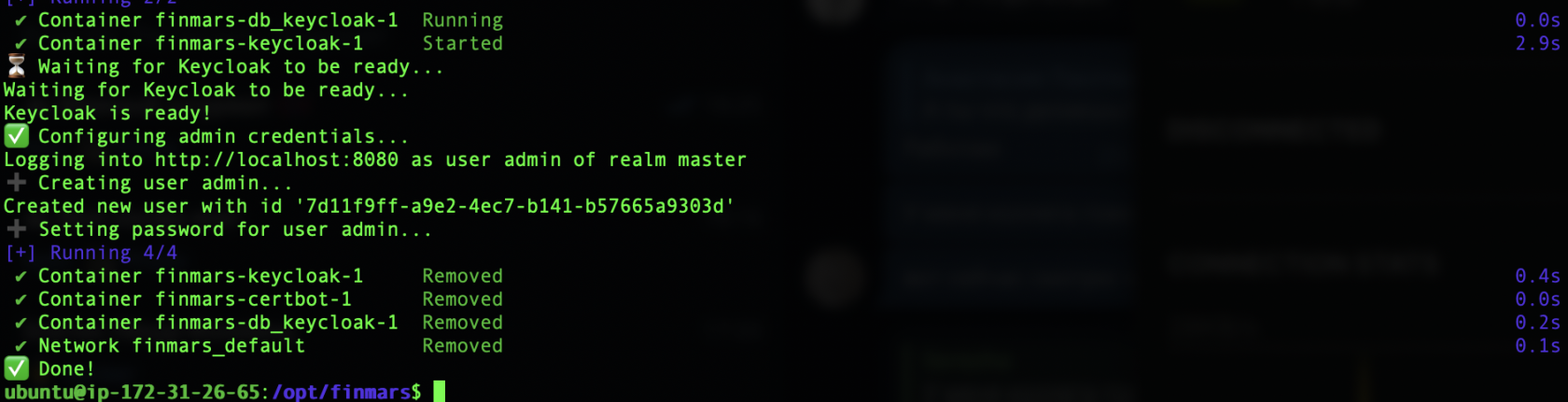](https://docs.finmars.com/uploads/images/gallery/2025-06/screenshot-2025-06-11-at-20-39-07.png)
6. **Start all services**
```bash
make up
```
To Verify that is everything running
`docker ps`
And you should see something like:
[](https://docs.finmars.com/uploads/images/gallery/2025-06/scaled-1680-/screenshot-2025-06-11-at-21-08-45.png)
It means all the Docker Containers are running.
---
When all is done, you can Open Web Browser at **finmars.example.com** and you should see **Finmars Welcome Page**
[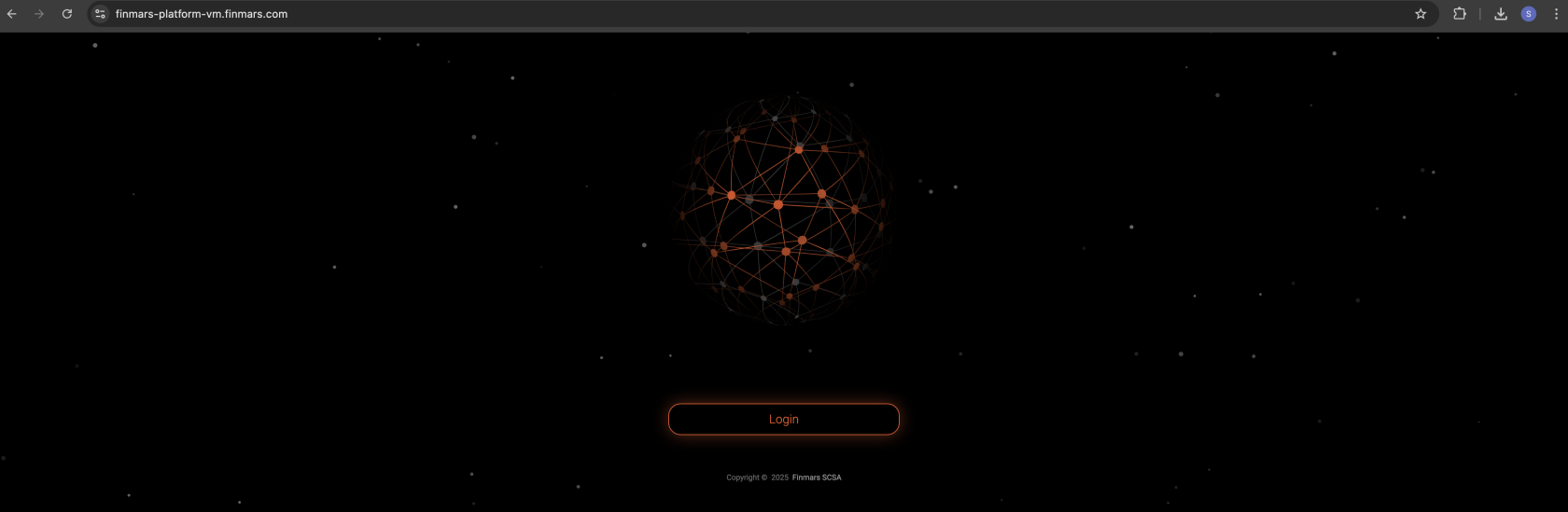](https://docs.finmars.com/uploads/images/gallery/2025-06/screenshot-2025-06-11-at-21-11-43.png)
After you press **Login** you will be redirected to **Finmars Single-Sign-On** (SSO) to **finmars-auth.example.com**
[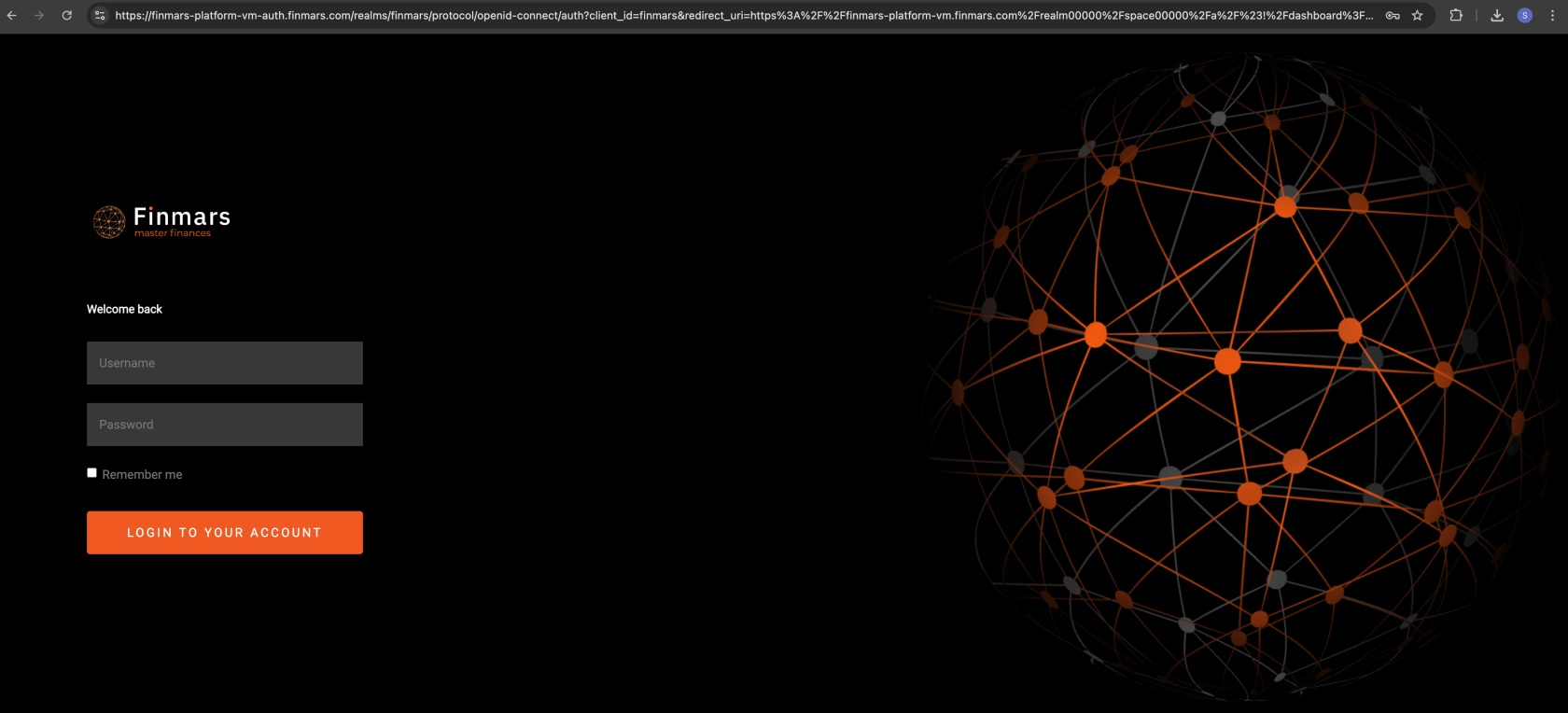](https://docs.finmars.com/uploads/images/gallery/2025-06/scaled-1680-/screenshot-2025-06-11-at-21-18-15.png)
Login with your Credentials that you provided in 6) **Configure env** step. It should be yours `ADMIN_USERNAME` and `ADMIN_PASSWORD`
After Login you will be redirected to **Dashboard page** in **Finmars Platform**
[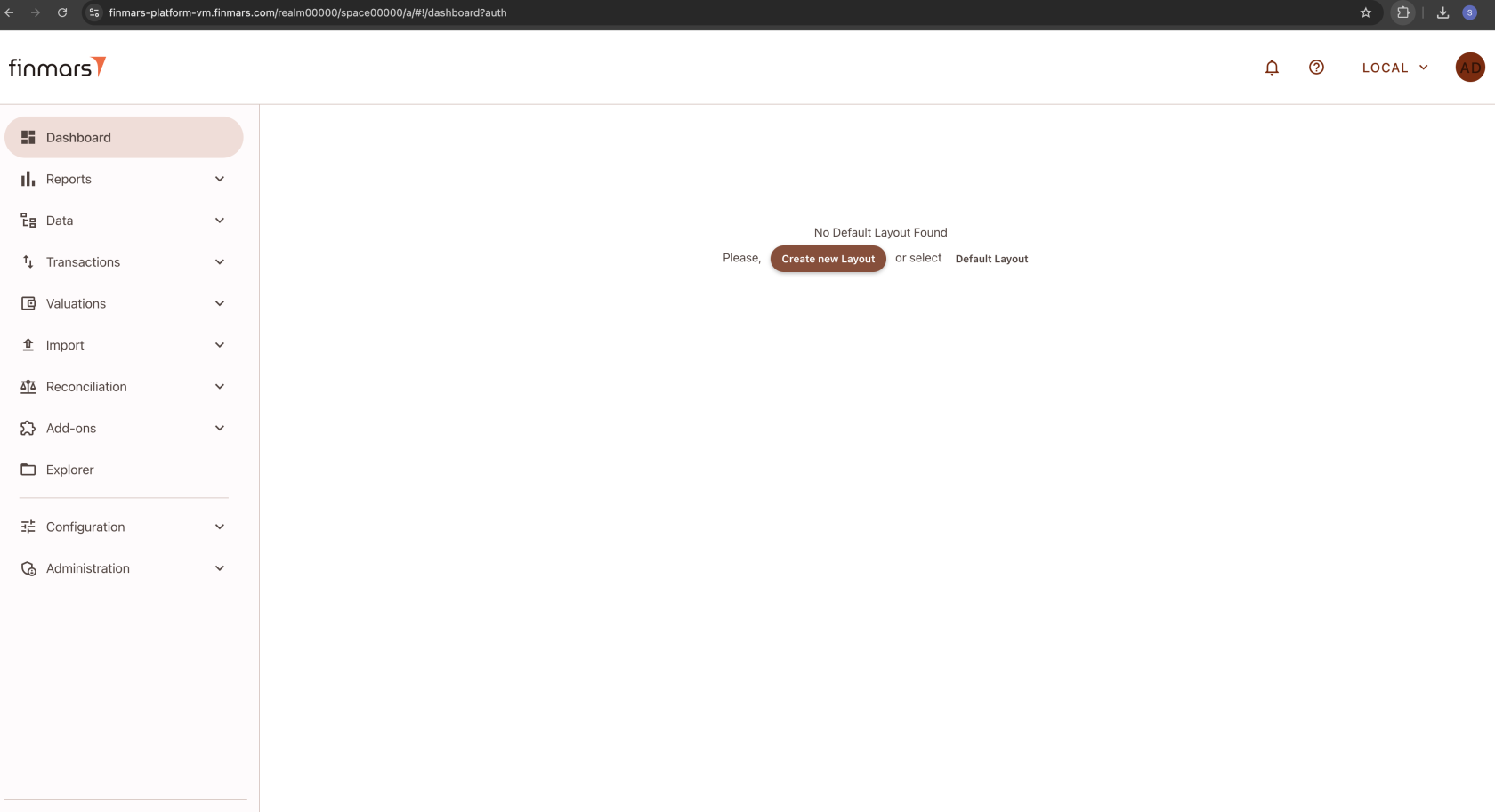](https://docs.finmars.com/uploads/images/gallery/2025-06/screenshot-2025-06-11-at-21-52-33.png)
Congratulations you finished your **Finmars Platform** Installation **Successfully**! Well Done!
Get to know our [User Quick Start](https://docs.finmars.com/books/user-quick-start) guide for next steps
If you have some troubles during Installation - reach for any support channel:
- Create a [Github Issue](https://github.com/finmars-platform/finmars-core/issues/new)
- Join our [Discord](https://discord.gg/dJFxjwKQet) Server
- Contact us at