Install guide on local machine
Install Finmars CE on your local machine without domain name
Install on MacOS
Here is short guide of install Finmars community edition on your Mac.
- Make sure you have git and make installed. (https://developer.apple.com/documentation/xcode/installing-the-command-line-tools)
- Make sure you have docker desktop installed. (https://docs.docker.com/desktop/setup/install/mac-install/)
- Make sure you have Python (https://www.python.org/downloads/macos/) and Python package manager PIP (https://pip.pypa.io/en/stable/installation/)
- Open Terminal and run the commands below
- Clone the Finmars Community Edition repository from Github
git clone https://github.com/finmars-platform/finmars-community-edition.git - Go to the directory with Finmars Community Edition
cd finmars-community-edition - Install Finmars Community Edition
make install
You will be asked to prompt Admin Username & Admin Password
- Start Finmars Community Edition
Wait until all containers are downloadedmake up
- Open web page with Finmars Community Edition https://127.0.0.1

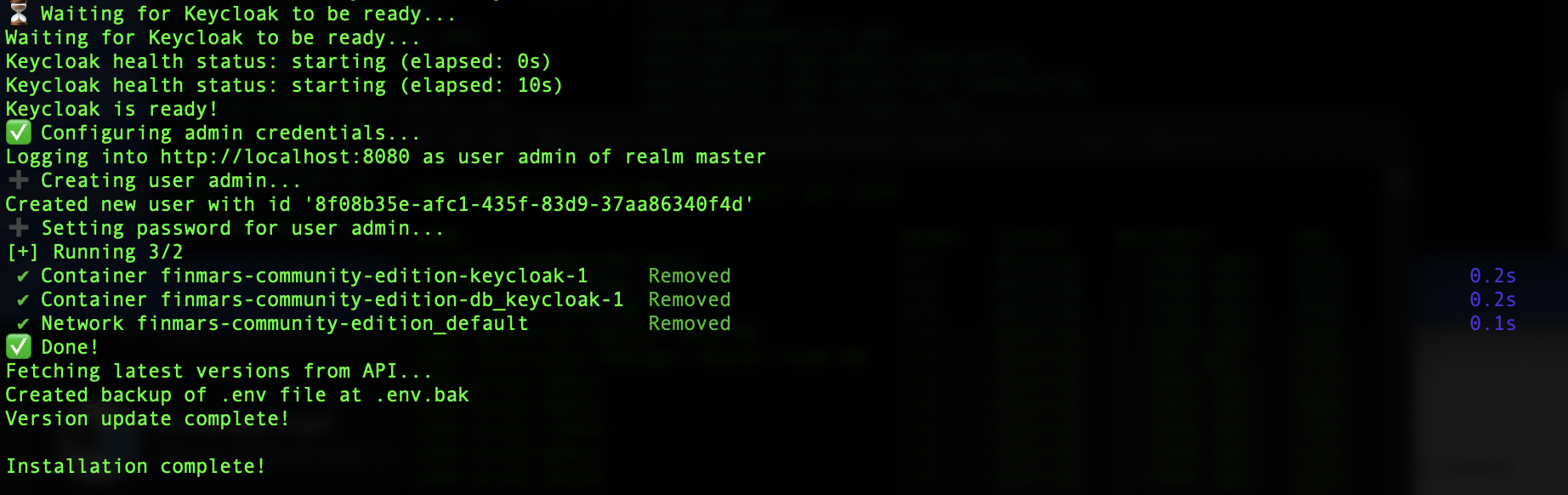

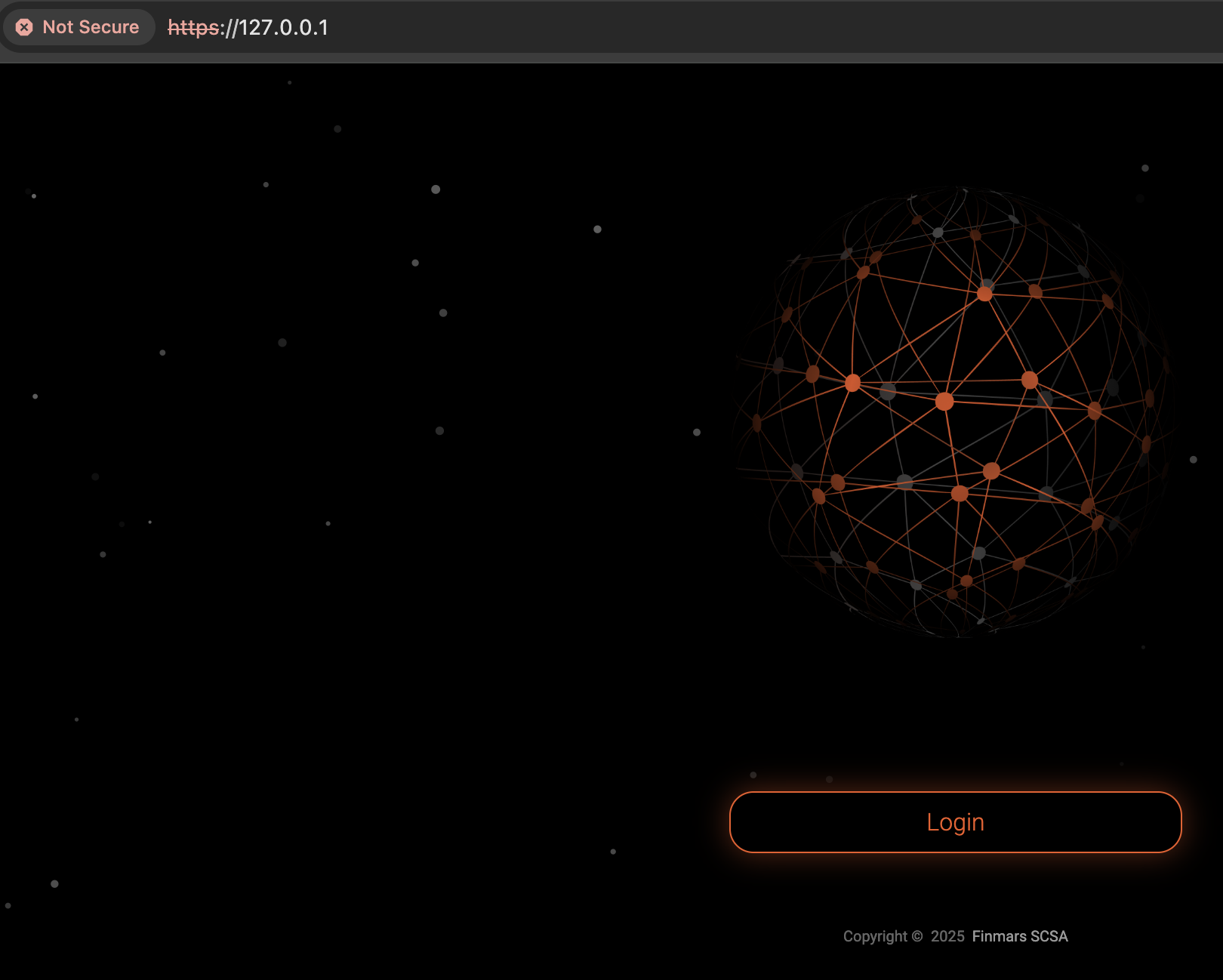
Well done! You can proceed with using Finmars!
Go to next steps!
- Get to know our User Quick Start guide for next steps
If you have some troubles during Installation - reach for any support channel:
- Create a Github Issue
- Join our Discord Server
- Contact us at support@finmars.com
Install on Linux
Here is short guide of install Finmars community edition on your Linux.
- Make sure you have git (https://git-scm.com/install/linux)
- Make sure you have make installed. (https://www.gnu.org/software/make/)
- Make sure you have docker installed. (https://docs.docker.com/engine/install/)
- Open Terminal and run the commands below
- Clone the Finmars Community Edition repository from Github
git clone https://github.com/finmars-platform/finmars-community-edition.git - Go to the directory with Finmars Community Edition
cd finmars-community-edition - Install Finmars Community Edition
make install
You will be asked to prompt Admin Username & Admin Password - Start Finmars Community Edition
Wait until all containers are downloadedmake up - Open web page with Finmars Community Edition https://127.0.0.1
Well done! You can proceed with using Finmars!
Go to next steps!
- Get to know our User Quick Start guide for next steps
If you have some troubles during Installation - reach for any support channel:
- Create a Github Issue
- Join our Discord Server
- Contact us at support@finmars.com
Install on Windows
Here is short guide of install Finmars community edition on your Windows.
- Install WSL on your PC (https://learn.microsoft.com/en-us/windows/wsl/install)
- Make sure you have docker desktop installed. (https://docs.docker.com/desktop/setup/install/windows-install/)
- Open WLS and run the commands below
- Install git and make
sudo apt update sudo apt install git make - Clone the Finmars Community Edition repository from Github
git clone https://github.com/finmars-platform/finmars-community-edition.git - Go to the directory with Finmars Community Edition
cd finmars-community-edition - Install Finmars Community Edition
make install
You will be asked to prompt Admin Username & Admin Password - Start Finmars Community Edition
Wait until all containers are downloadedmake up - Open web page with Finmars Community Edition https://127.0.0.1
Well done! You can proceed with using Finmars!
Go to next steps!
- Get to know our User Quick Start guide for next steps
If you have some troubles during Installation - reach for any support channel:
- Create a Github Issue
- Join our Discord Server
- Contact us at support@finmars.com