Using the Setup web interface
We allow backup and restore through setup web interface
Doing Backup
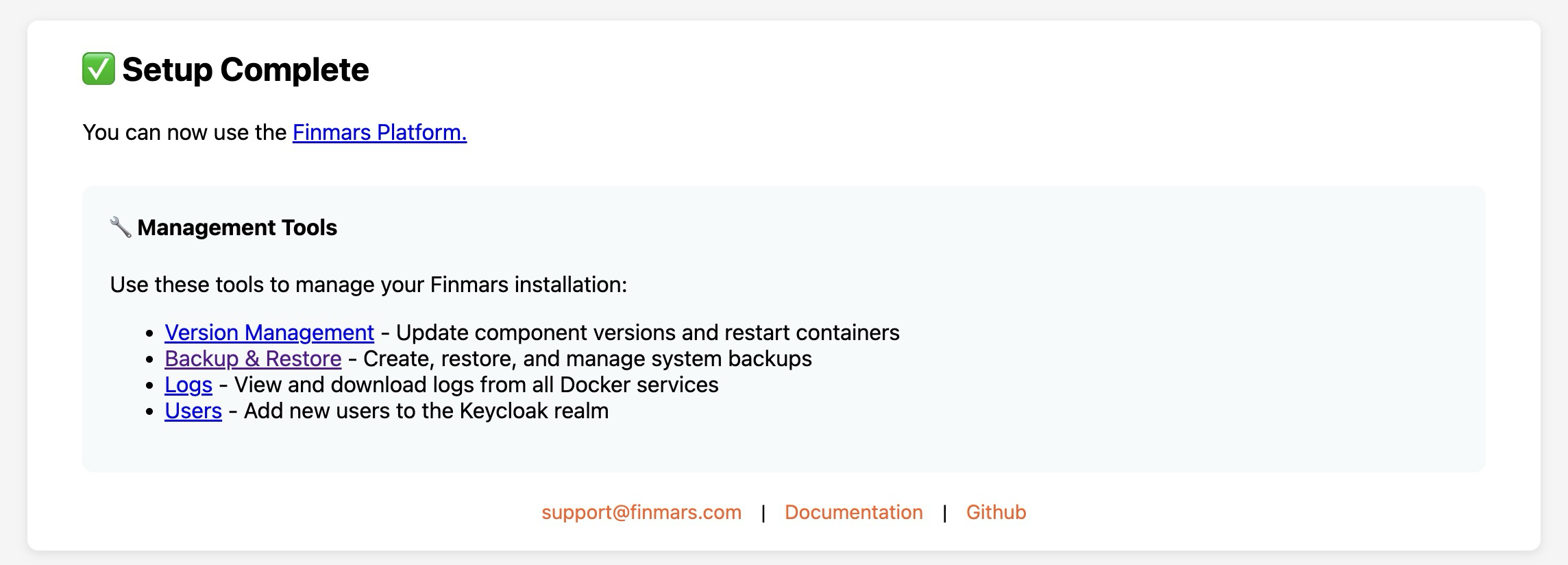
- Open Finmars Setup web interface in your Web Browser
Go to http://Your_Public_IP:8888 (for example http://127.0.0.1:8888 for local instalation)
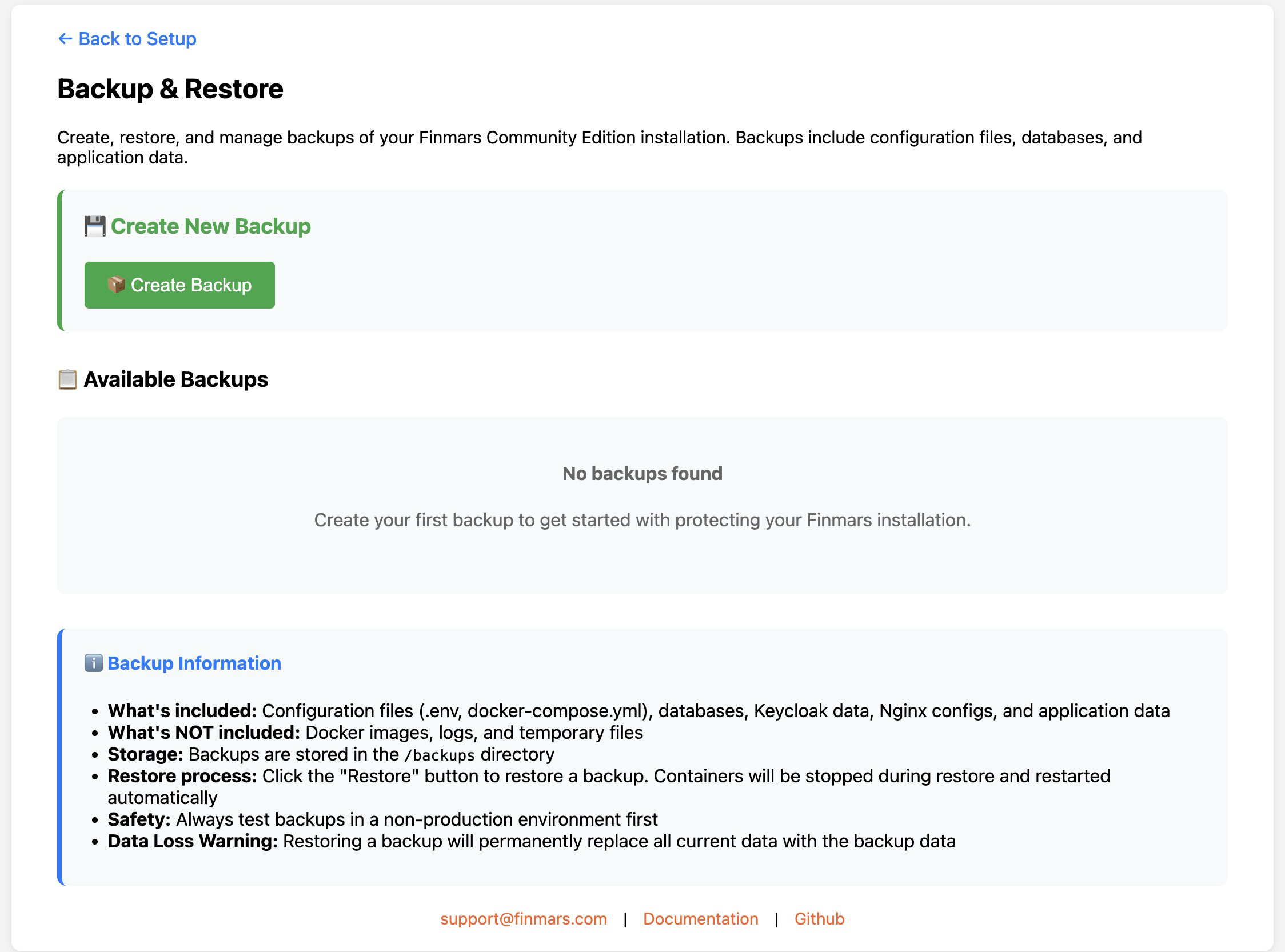
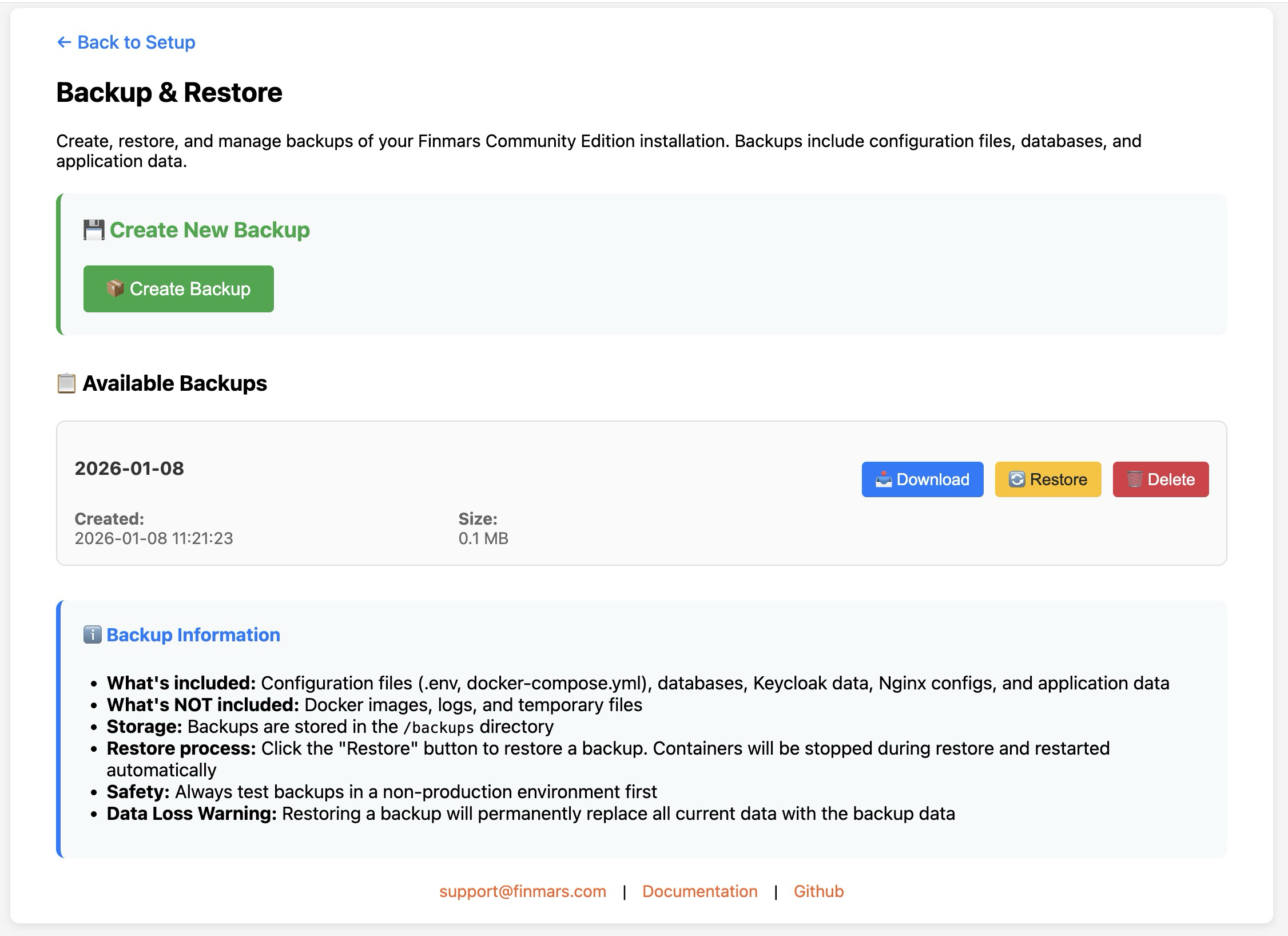
- Open "Backup & Restore" page

- Create Backup

Restore Backup
- Open Finmars Setup web interface in your Web Browser
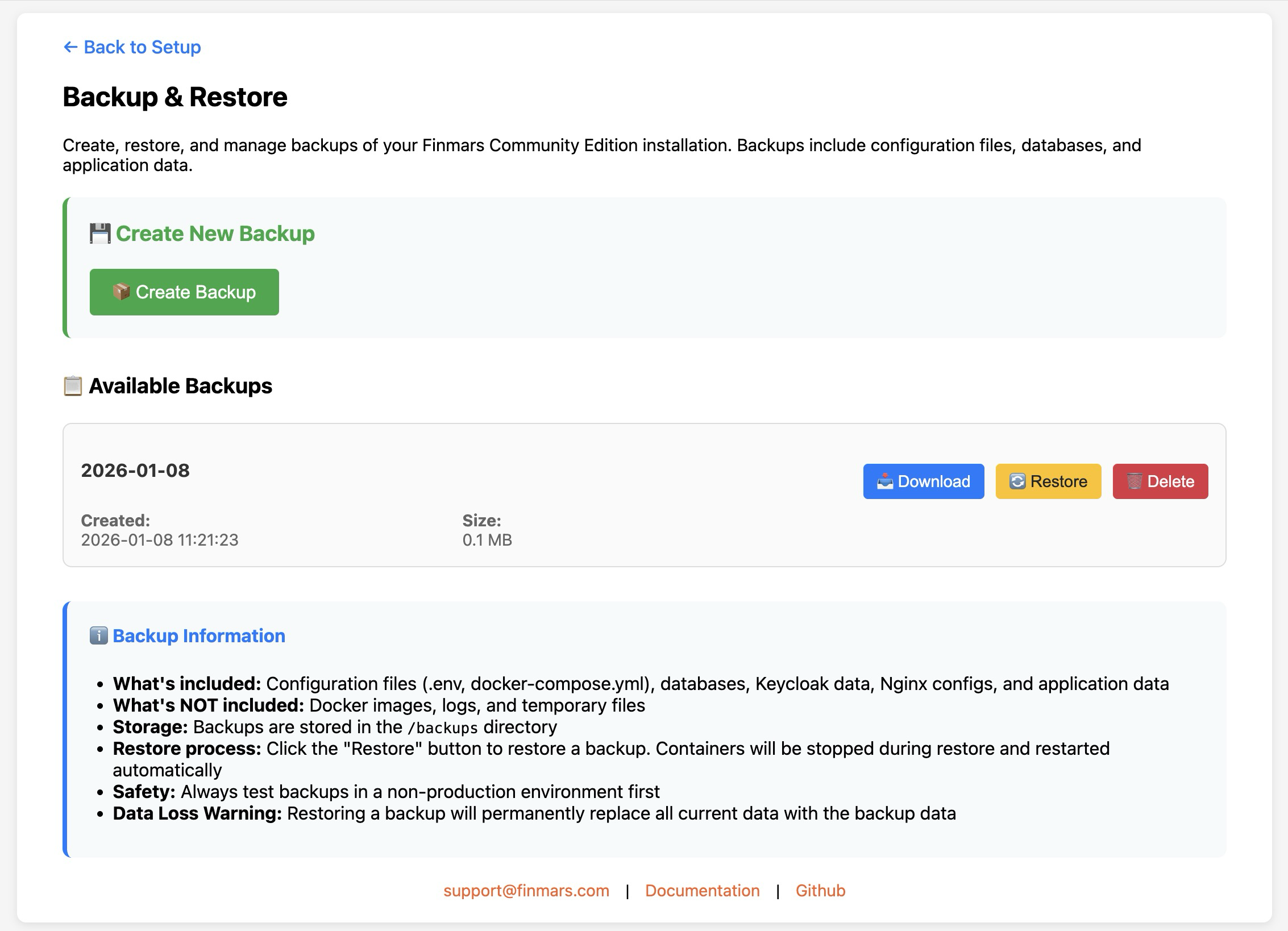
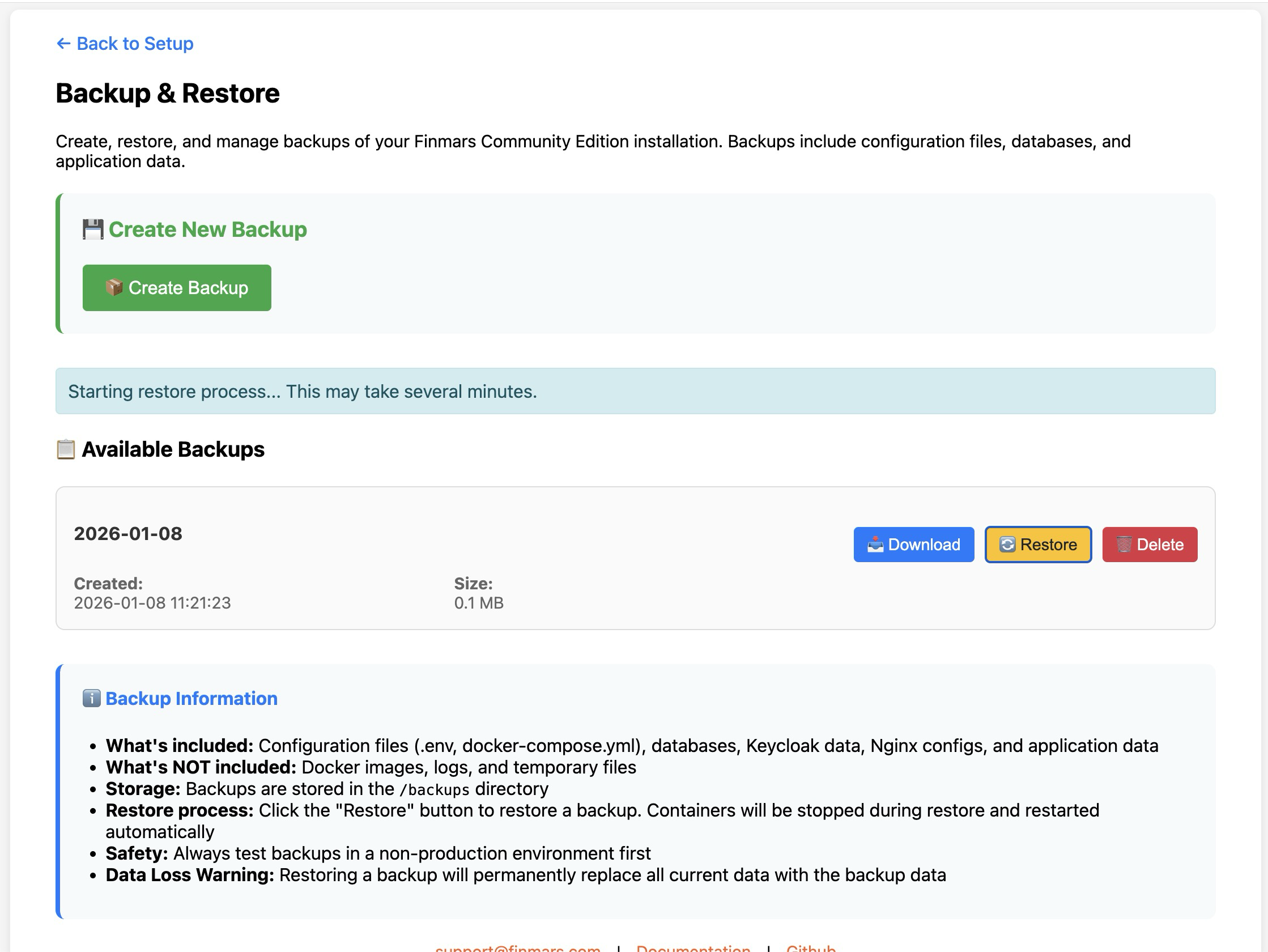
Go to http://Your_Public_IP:8888 (for example http://127.0.0.1:8888 for local instalation) - Open "Backup & Restore" page

- Restore certain Backup

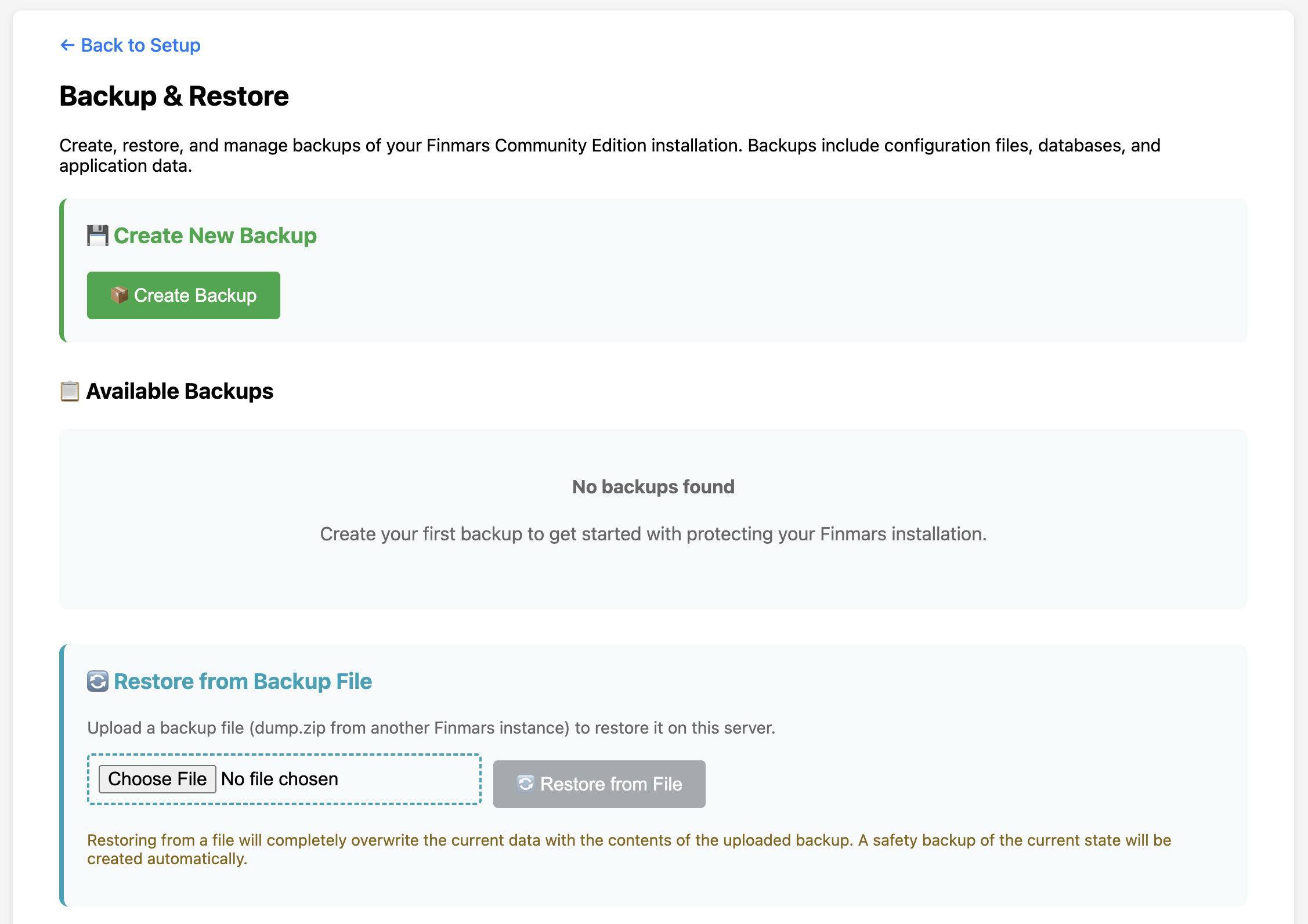
Restore Backup from external file
- Open Finmars Setup web interface in your Web Browser
Go to http://Your_Public_IP:8888 (for example http://127.0.0.1:8888 for local instalation) - Open "Backup & Restore" page

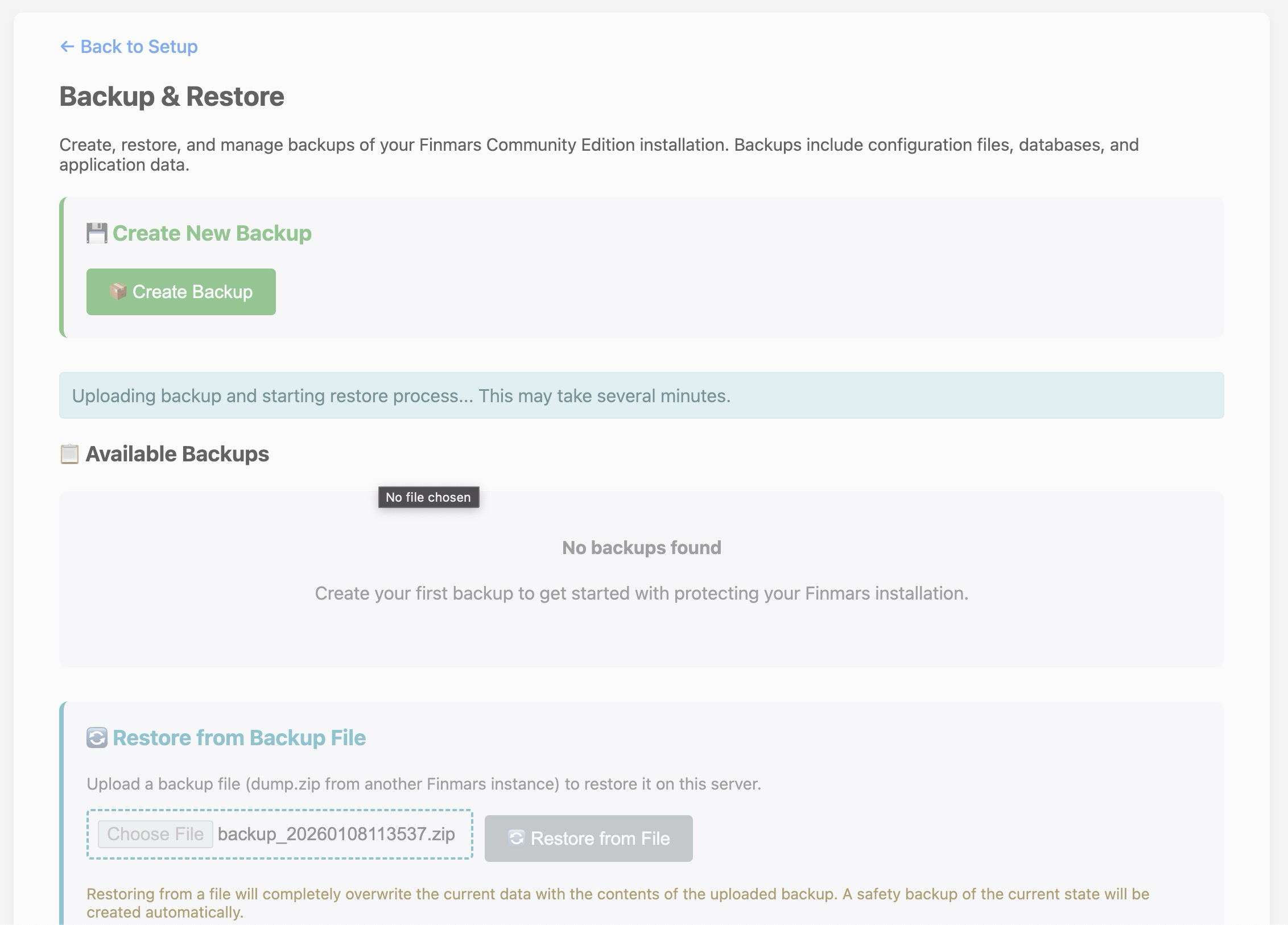
- Choose File for backup and Restore