# Get Transactions in Graphql
This query returns transactions for one portfolio and an accounting date range.
[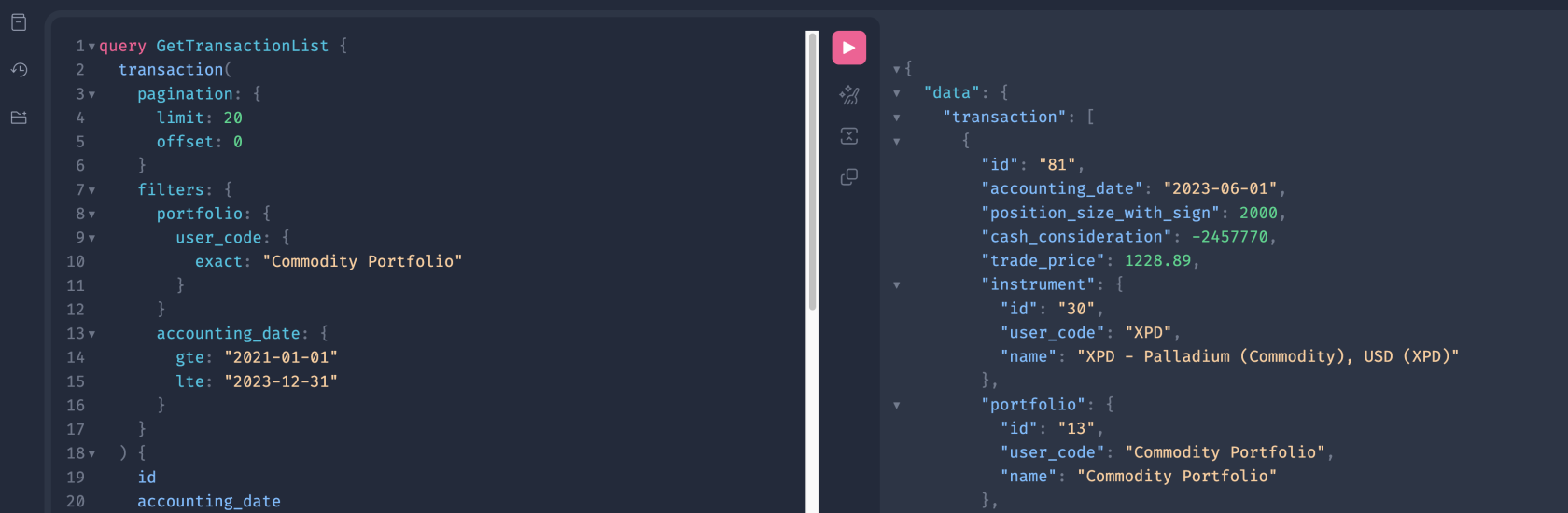](https://docs.finmars.com/uploads/images/gallery/2025-12/screenshot-2025-12-16-at-17-57-40.png)
---
### GraphQL Query
```graphql
query GetTransactionList {
transaction(
pagination: {
limit: 20
offset: 0
}
filters: {
portfolio: {
user_code: {
exact: "Commodity Portfolio"
}
}
accounting_date: {
gte: "2021-01-01"
lte: "2023-12-31"
}
}
) {
id
accounting_date
position_size_with_sign
cash_consideration
trade_price
instrument {
id
user_code
name
}
portfolio {
id
user_code
name
}
account_cash {
id
user_code
name
}
account_position {
id
user_code
name
}
transaction_class {
id
user_code
name
}
}
}
```
---
## Filter Highlights
### Filter by Portfolio (nested filter)
```graphql
portfolio: {
user_code: { exact: "Commodity Portfolio" }
}
```
- `portfolio` is a related object.
- You filter it by its field `user_code`.
- `exact` means strict match.
---
### Filter by Date Range
```graphql
accounting_date: {
gte: "2021-01-01"
lte: "2023-12-31"
}
```
- `gte` = start date (inclusive)
- `lte` = end date (inclusive)
- Use ISO format: `YYYY-MM-DD`
---
### How filters work together
All filters in one `filters` block are combined with **AND**.
So this query means:
- portfolio user\_code is exactly `"Commodity Portfolio"`
AND
- accounting\_date is between `2021-01-01` and `2023-12-31`
---