# Configuring Addon
To configure Configuration Module to make it visible in sidenav menu you need to extend ****Manifest**** (JSON)
[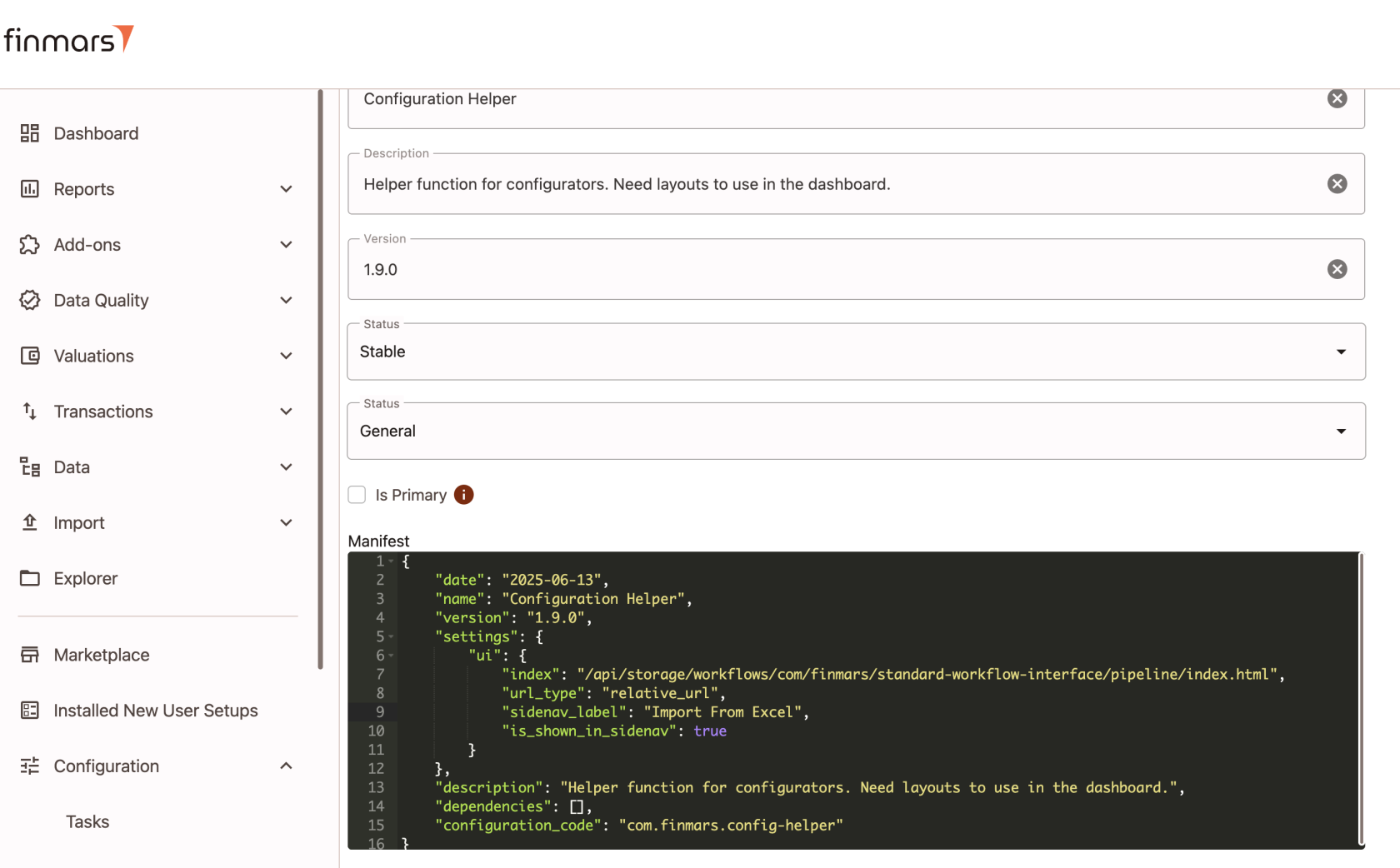](https://docs.finmars.com/uploads/images/gallery/2025-08/screenshot-2025-08-06-at-18-26-58.png)
You need to add ****settings**** property to root of your Manifest (JSON)
In settings you need to add ****ui**** property
****index**** - main URL that will be passed to <iframe> tag. if ****url\_type**** is "relative\_url" then it will be calculated in following pattern:
```
window.location.origin + '/' + realmCode + '/' + spaceCode + configuration.manifest.settings.ui.index;
```
If ****url\_type**** is "absolute\_url" then you can provide full URL e.g. [https://example.com/widget](https://example.com/widget)
****sidenav\_label**** - optional field, if not provided then configuration.name will be in use
****is\_shown\_in\_sidenav**** - boolean field, shows if module should be visible in Sidenav Menu in "Addons" section
[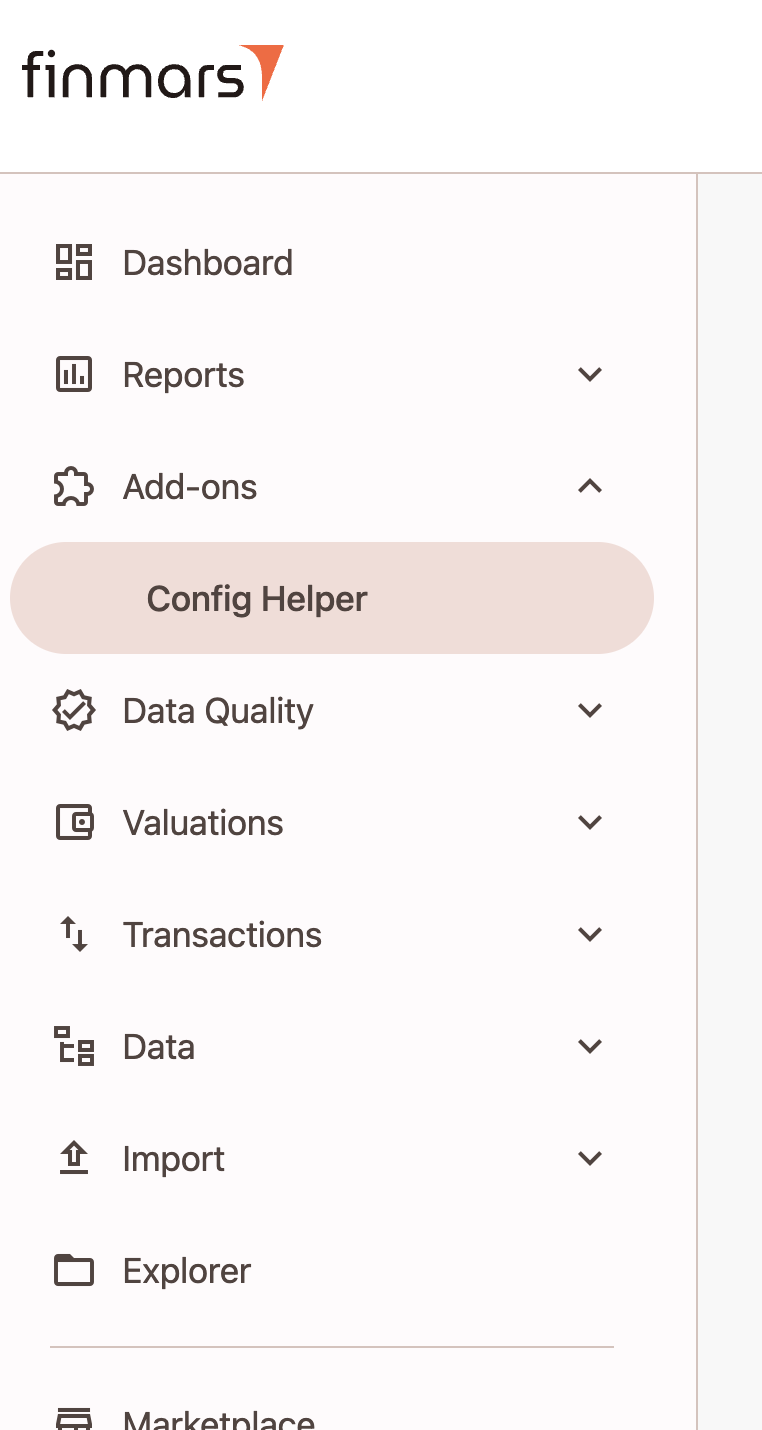](https://docs.finmars.com/uploads/images/gallery/2025-08/screenshot-2025-08-06-at-18-22-57.png)
Example of manifest.json
```json
{
"date": "2025-06-13",
"name": "Configuration Helper",
"version": "1.9.0",
"settings": {
"ui": {
"index": "/api/storage/workflows/com/finmars/standard-workflow-interface/pipeline/index.html",
"url_type": "relative_url",
"sidenav_label": "Import from Excel",
"is_shown_in_sidenav": true
}
},
"description": "Helper function for configurators. Need layouts to use in the dashboard.",
"dependencies": [],
"configuration_code": "com.finmars.config-helper"
}
```
You also able to query Configurations (Addons) with JSON filtering
http://0.0.0.0:8000/realm00000/space00000/api/v1/configuration/configuration/?manifest.settings.ui.is\_shown\_in\_sidenav=true